Managed IT
Helpdesk, patching, monitoring and network support scoped to your devices and operating needs.
Explore managed it →
Mytek Pros delivers end-to-end IT services, managed security, and low-voltage design/build for businesses across San Diego County and California.
Practical support for the computers, dental software and networks your team uses every day, with security and HIPAA-focused readiness built around your practice.
Carlsbad-based · Statewide remote support · Southern California on-site base
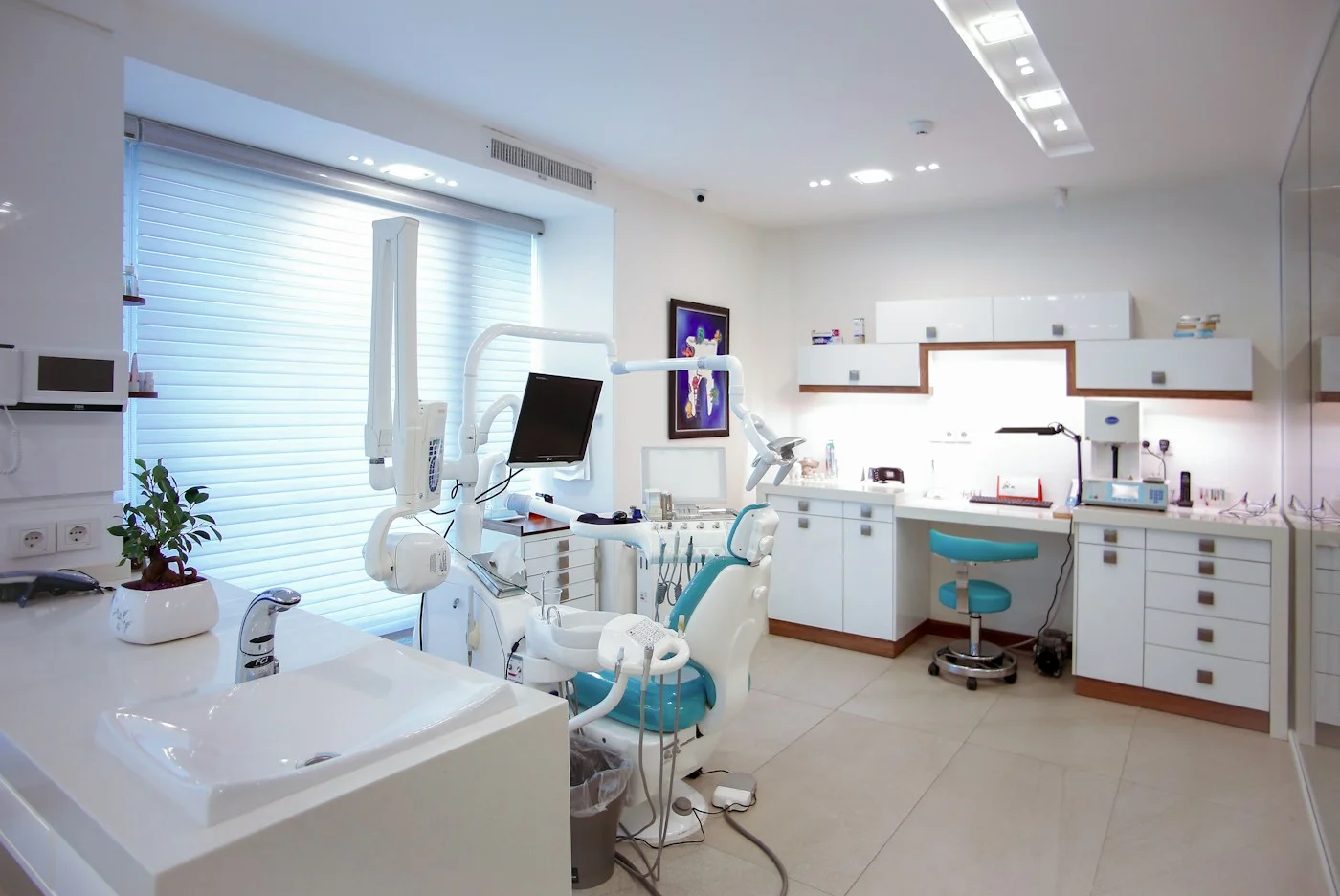
When a workstation cannot open the schedule or an imaging device will not connect, the office manager becomes the troubleshooting desk. Mytek Pros helps independent dental practices manage the technology behind reception, clinical workstations and administrative operations. We support the hardware and software environment, investigate recurring issues and coordinate with your application vendors when their help is needed.
Tell us what your practice uses, where the problems occur and how support works today. We will review the environment and define the services, responsibilities and escalation process in your proposal.
We support dental offices with workstation software installation and setup, application configuration, troubleshooting and upgrades. Dentrix is part of that support. We also help with peripheral drivers and the IT connections around X-ray and imaging equipment, coordinating with the appropriate software developer or equipment vendor.
Every practice has a different combination of applications, versions and devices. Before changing an environment, we confirm vendor requirements, licensing and the support boundaries for the installed products. Active vendor service contracts can make escalation and access to vendor assistance easier. Clinical equipment servicing and calibration must remain with the appropriately qualified provider.
Alongside Dentrix, tell us if your practice uses Dentrix Ascend, Eaglesoft, Open Dental, Curve Dental or CareStack. These practice-management environments differ in how they handle local and cloud systems. If you use DEXIS, DTX Studio Clinic or Carestream CS Imaging, identify the imaging software and connected equipment separately. We will review your specific products, versions and vendor arrangements to confirm the IT support scope before accepting the work.
Patient information needs clear access rules, dependable recovery and accountable support. Mytek Pros can help assess accounts, workstations, networks and backup arrangements, then prioritize technical improvements for the way your practice handles electronic records.
Our HIPAA-focused IT support starts with your practice’s actual obligations and workflows. HIPAA applies to covered entities and business associates; a dental provider’s covered-entity status depends on conducting specified standard transactions electronically. Using electronic records alone does not settle that question. California medical privacy requirements also need review.
Where the services involve protected health information, confirm the required agreements and responsibilities before access begins. We support technical readiness and remediation; compliance depends on the practice’s full administrative, physical and technical program. Legal requirements and incident decisions should be reviewed with qualified advisers.
Explore HIPAA-focused technical readiness →Helpdesk, patching, monitoring and network support scoped to your devices and operating needs.
Explore managed it →Identify what needs protection, define recovery priorities and test the restore process with the relevant application dependencies.
Explore backup and recovery →Review business accounts, permissions and administrative settings, with features and controls matched to the licenses and services your practice uses.
Explore microsoft 365 →Plan cabling, Wi-Fi and network equipment for front-desk and treatment-room workflows. Separate guest access from practice systems as appropriate.
Explore connectivity and office infrastructure →Explore low-risk administrative workflows using approved tools, limited data access and human review. Start without patient information and evaluate any later use of protected information separately.
Explore practical automation →Start with a conversation about your users, locations, applications and recurring problems. Next, review the infrastructure, vendor arrangements and security responsibilities. Agree on a support scope and prioritize work around patient hours, with change approval and rollback planning where appropriate.
You should know who to call, what is covered and when a software or equipment vendor needs to be involved. That clarity is as important as choosing new hardware.
Mytek Pros is based in Carlsbad and serves businesses across all 58 California counties. Remote-deliverable managed IT and readiness work can support practices statewide. Southern California is our primary on-site service area; on-site availability, timing and project scope are confirmed for your location.
For practices in San Diego, Orange County, Los Angeles, Riverside and San Bernardino, discuss both remote and on-site needs. For the Bay Area, Sacramento, the Central Valley and elsewhere in California, start with the work that can be delivered remotely and confirm any location-specific requirements. Explore our service areas.
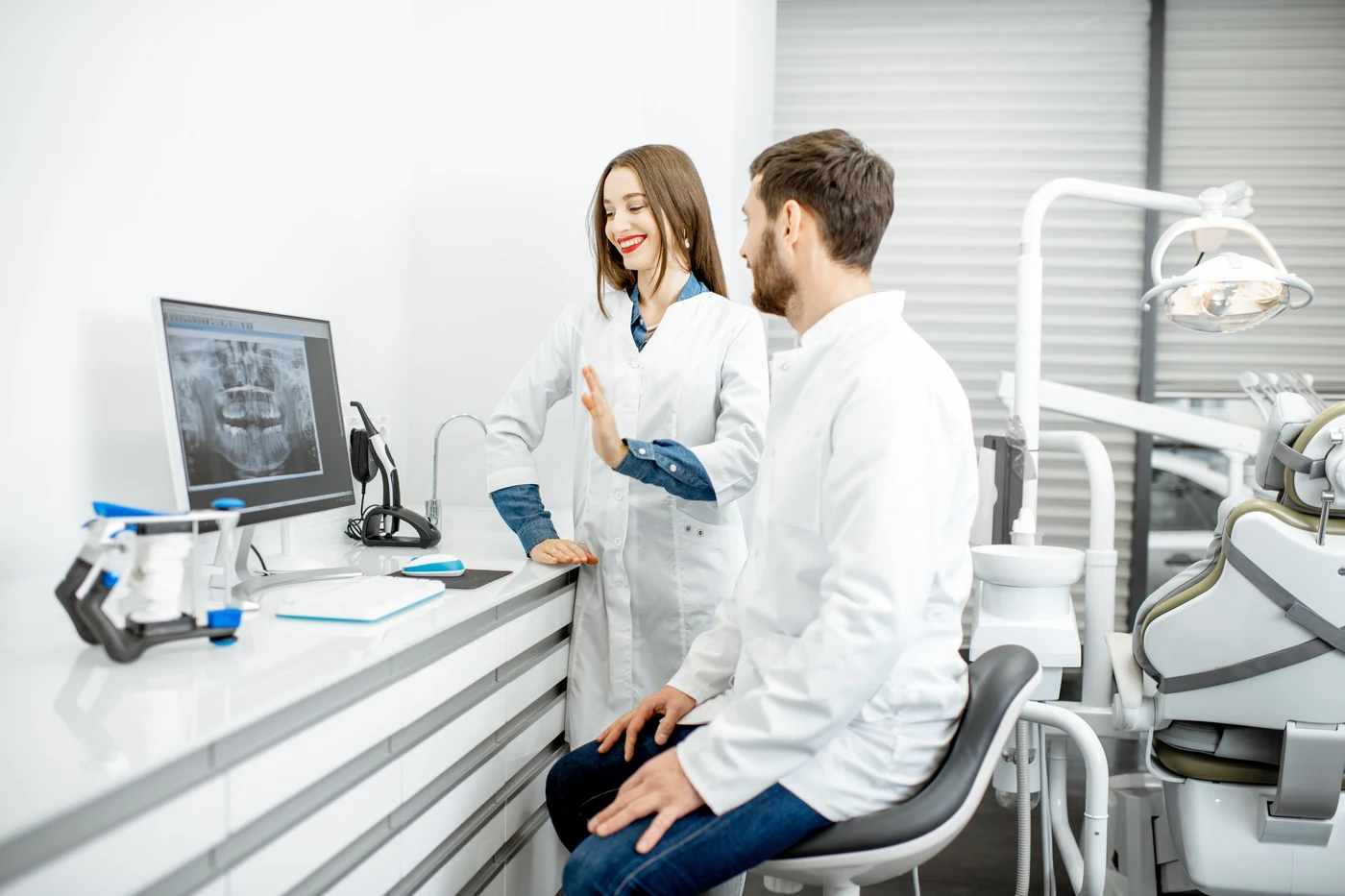
Plan for dental office downtime with clear support ownership, tested recovery priorities and practical steps for your California practice.
Read the guide →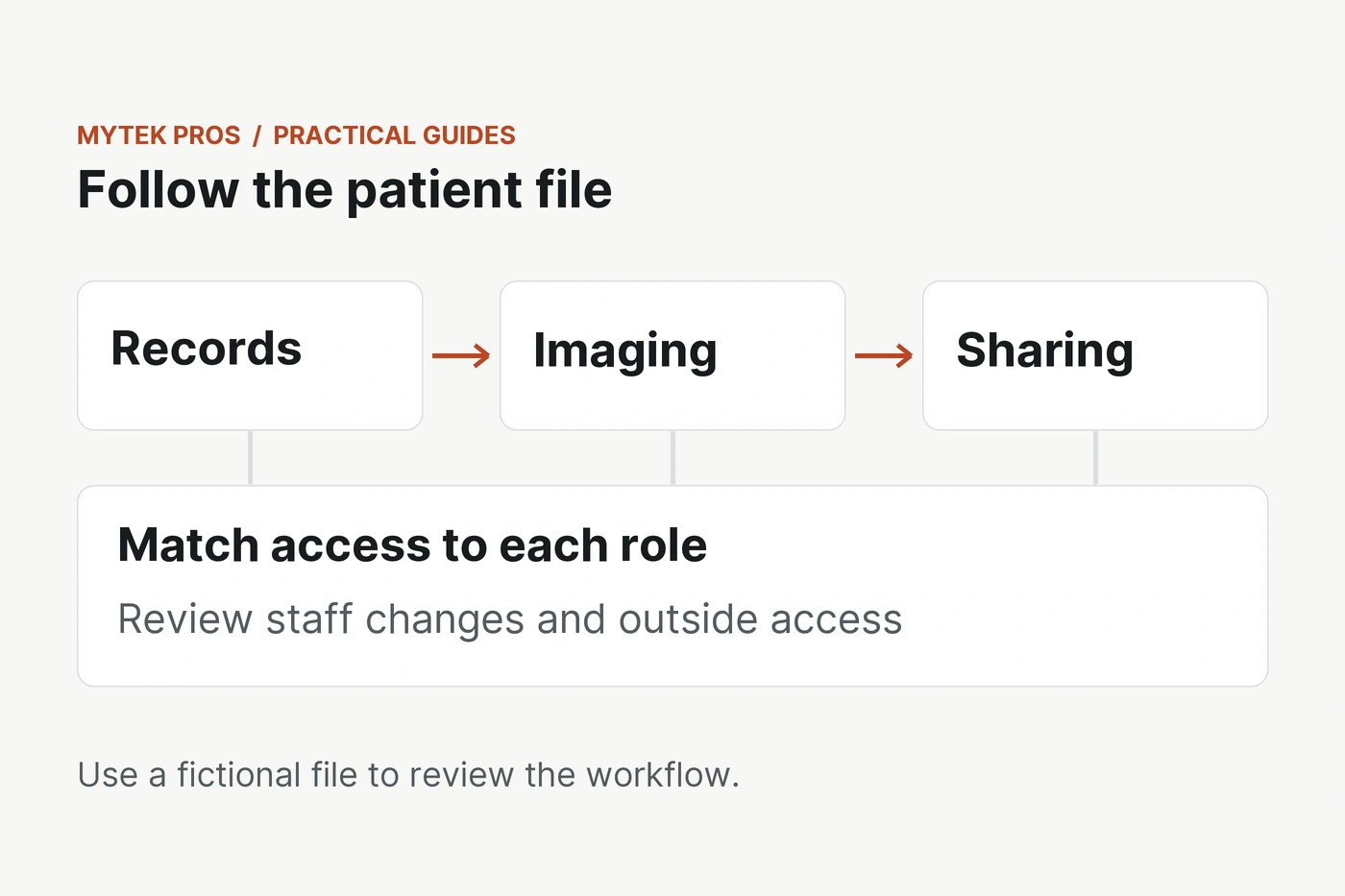
Review patient file access, staff accounts and vendor permissions with a practical security approach for independent California dental offices.
Read the guide →
Build a clearer Microsoft 365 administration plan for your dental office, from staff access and email security to licensing and patient information safeguards.
Read the guide →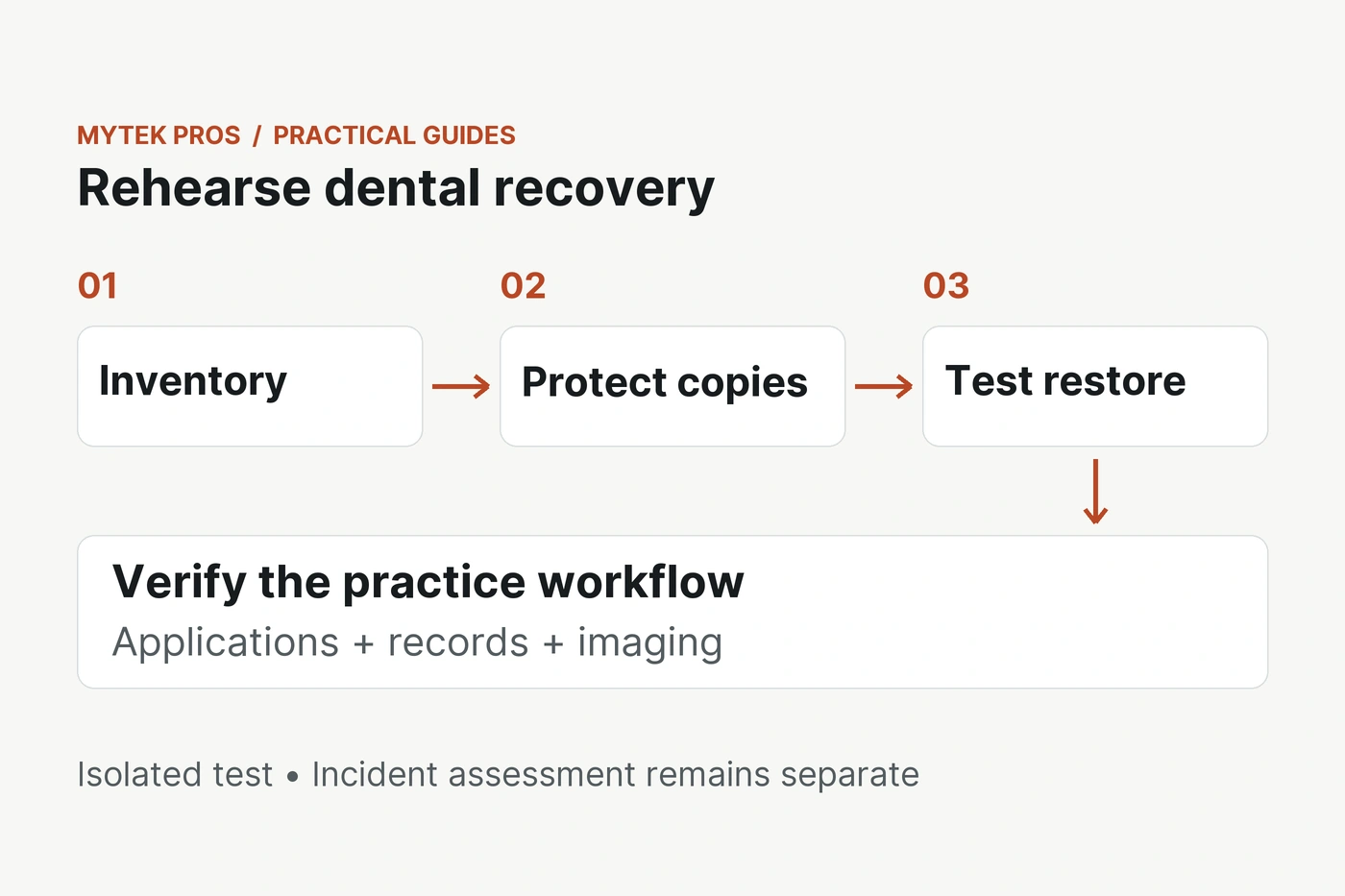
Build a dental ransomware recovery plan around protected backups, tested restores, clear responsibilities and practice-specific incident review.
Read the guide →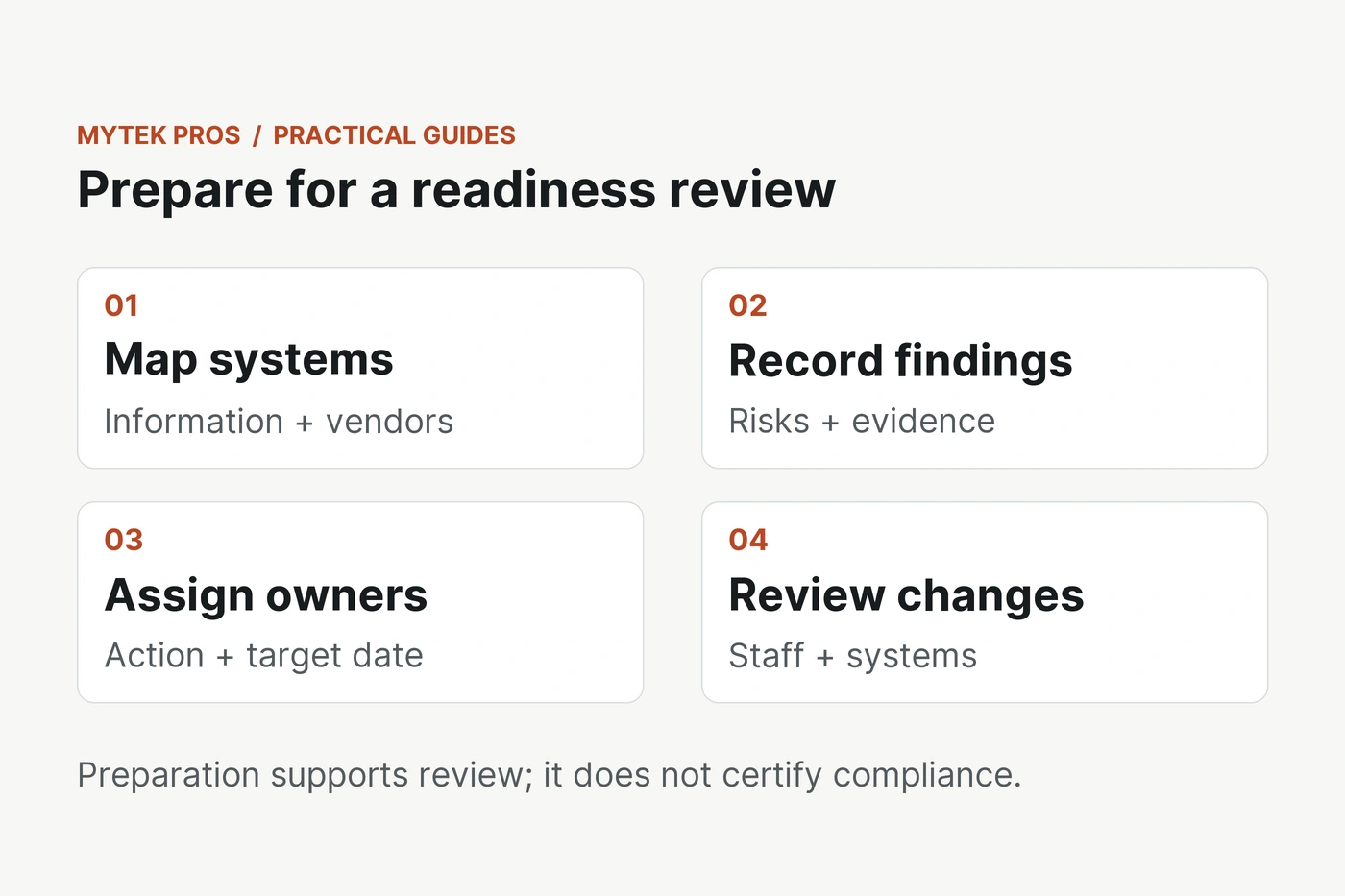
Prepare your California dental office for an IT compliance review with a practical inventory, documented risks, vendor checks, and clear responsibilities.
Read the guide →
Explore a no-PHI AI pilot for dental office administration, with practical use cases, approved inputs, human review, and a clear way to measure results.
Read the guide →Discuss your practice IT with Mytek Pros. Tell us your practice name, city, software used and a general description of your IT needs.
Please do not include patient information, medical records, account passwords or other sensitive details. We will arrange an appropriate process if more information is needed.