
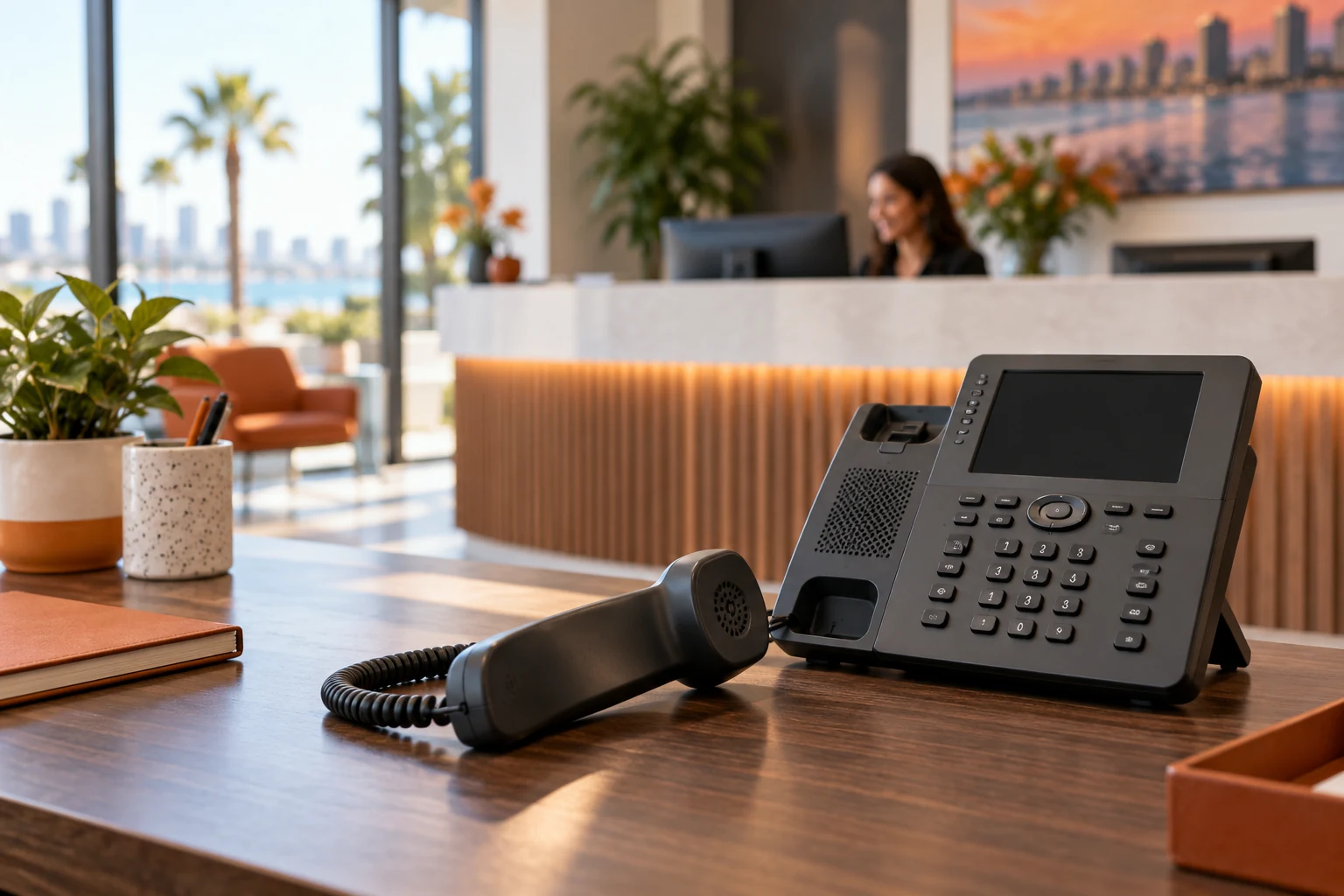
A business phone system is part of your customer experience. Callers need to reach the right person, staff need reliable calling tools and your business needs a plan for transfers, voicemail and after-hours service. For San Diego small and midsize businesses comparing VoIP phone systems or a cloud PBX, the best starting point is the call flow rather than the handset catalog. Document how calls should work before selecting features or moving your business numbers.
Map your San Diego business call flow first
List your public numbers and the purpose of each one. Identify who answers during business hours, what happens when nobody is available and how urgent calls are handled after closing. A contractor coordinating field crews has different requirements from a professional office routing calls to departments. Use the actual workflow to decide which queues, extensions and menus are necessary.
Build examples your team can test: a new customer calls the main number, an existing customer asks for an employee and someone calls on a holiday. Keep menus short enough that customers can make a choice. Record who owns greeting updates and who can change business hours when the schedule changes.
Cloud VoIP, cloud PBX and unified communications
VoIP carries voice calls over IP networks. A cloud PBX moves phone-system functions to a hosted service, while unified communications brings calling together with other collaboration tools. Those terms describe related capabilities; they do not tell you whether a particular product meets your needs. Compare administration, mobile access, supported devices and provider arrangements.
Microsoft Teams Phone is one option to evaluate when your business already uses Teams. Microsoft’s call-flow documentation explains auto attendants and call queues. Review the licensing and calling connectivity needed for your design rather than assuming an existing Microsoft 365 subscription includes every phone capability.
Remote employees and desk phones need a common plan
Decide which employees use desk phones, headsets, softphones or mobile calling. Review how calls reach someone working away from the office and what number appears on outgoing business calls. A team split between a San Diego office and Carlsbad field staff should have a consistent customer-facing process even if staff use different devices.
Training belongs in the rollout. Employees should know how to transfer calls, manage availability and access voicemail. Confirm the procedures for lost devices and employee departures. AI call summaries or intelligent recap features may enter the comparison, but assess their availability, accuracy and organizational policies before including them in the operating workflow.
Check network readiness before changing phone systems
A phone migration should include a review of internet connectivity, wired and wireless access, switches and power needs. Ask whether voice traffic competes with other applications during busy periods. A new calling service will not correct unreliable Wi-Fi or a failing network connection. Testing should reflect the locations and devices employees actually use.
Plan how your business will handle an internet or power outage and discuss provider-supported options. Document any equipment that depends on an existing telephone line before changing it. Coordinate the assessment with San Diego computer network services so the calling plan and connectivity plan fit together.
Number transfers and cutover planning
Keeping a business number depends on transfer eligibility and the information required by the current and future providers. Gather account details, authorized contacts, billing information and the list of numbers involved. Confirm the sequence with both providers before ending an existing service. A transfer schedule should account for validation and possible exceptions.
Prepare a rollout checklist covering greetings, routing, voicemail, employee devices and incoming and outgoing call tests. Assign a decision maker for the cutover. Staff should know where to report an issue and how customers can reach the business during the transition. Do not judge the migration complete until representative call paths have been tested.
Questions to ask a business phone provider in San Diego
Can we keep our numbers? Ask the provider to verify transfer requirements. Is cloud VoIP automatically cheaper? Compare licensing, calling charges, equipment and migration costs against your actual usage. Do we need new desk phones? That depends on compatibility, employee needs and the selected service. Request a proposal that separates recurring service from implementation work.
Mytek Pros helps San Diego County businesses assess phone systems, call routing and office or remote requirements. Discuss your business phone project with your locations, user count, existing provider and desired call flow. If phone spending is part of a wider issue, a technology consolidation assessment can put the decision in context.