
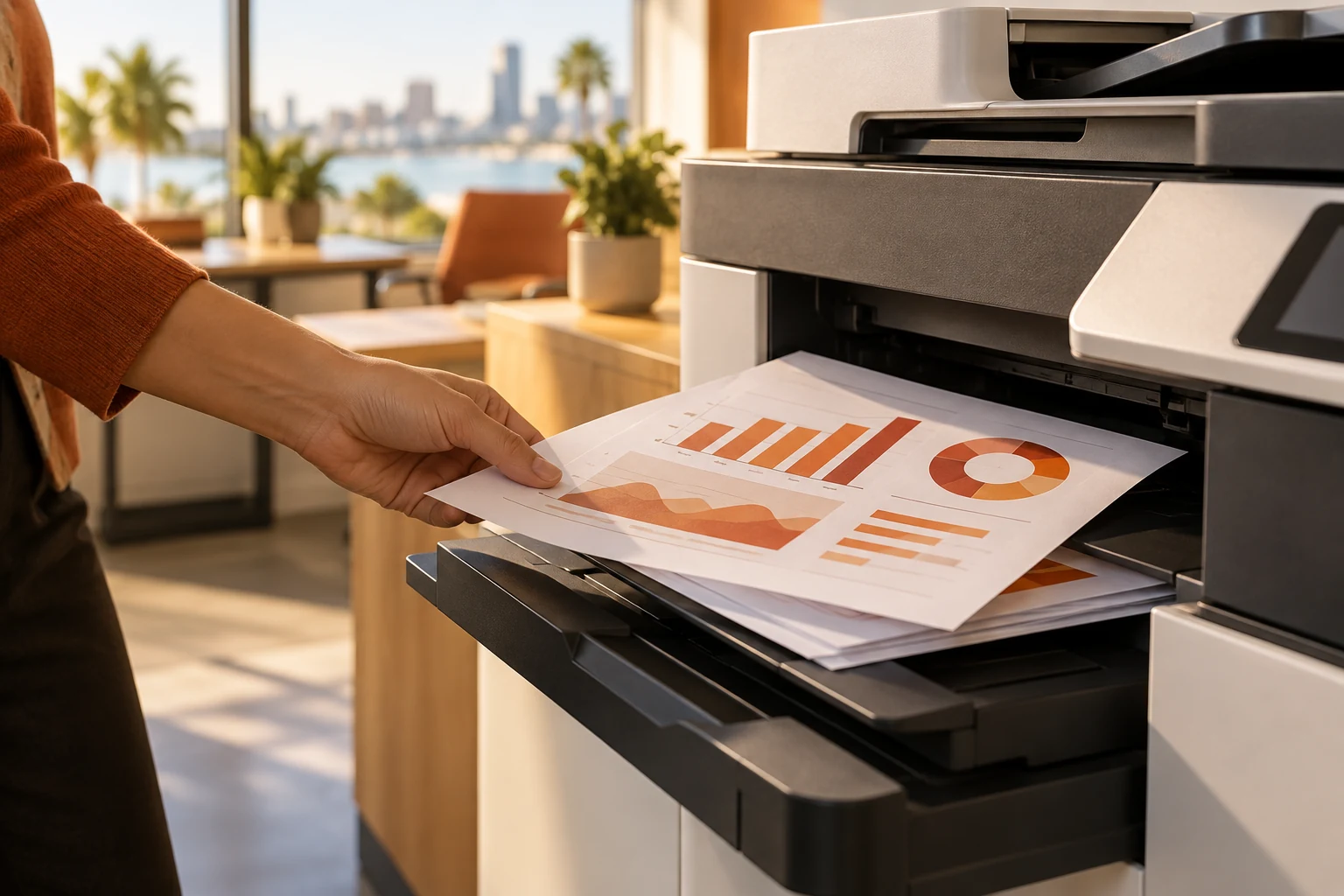
Enterprise printing is not limited to large corporations. A San Diego small or midsize business with shared printers, scanning needs and several departments can benefit from a coordinated printing plan. The challenge is to match equipment to usage, keep access manageable and understand where documents go after someone clicks Print. Secure cloud printing and printer fleet consolidation are useful topics to explore, but the right decision begins with how employees actually print and scan.
Start a printer fleet assessment with usage and condition
List every printer and multifunction device, its location, connection method and support arrangement. Record device condition, approximate usage and the employees who depend on it. Separate occasional convenience printing from tasks that need reliable departmental capacity. Include desktop printers that may not appear in a central equipment list.
Compare equipment against the work it supports. A device next to a reception desk may have different needs from a shared office printer used for large document sets. Note recurring jams, connection failures and consumable changes. This inventory gives a San Diego enterprise printing assessment a practical basis for deciding what to retain, move or replace.
Secure print release addresses unattended output
Secure print release holds a job until the user completes the release step at the printer. It can help reduce the situation where pages sit in a shared output tray before their intended recipient arrives. Evaluate how the feature works with your devices, accounts and user habits; different products have different prerequisites.
Cloud printing and secure release belong in the same workflow discussion. Ask who can send a job, where it can be released and how employees authenticate. Include people who use shared workstations or move between locations. A feature that works well for one department may need additional setup or training for another.
Universal Print’s 2026 portal change: test the user experience
Microsoft documents a change effective August 18, 2026: Universal Print QR-code release moved from the Microsoft 365 Copilot app experience to a browser-based portal. Existing QR codes and printers continue to work, while organizational device and browser policies still apply. This is a timely reason to review employee instructions if you already use the feature.
Test release from the devices employees are allowed to use. A managed-device requirement can affect someone scanning a QR code from a personal phone. Verify the experience with your account and access policies before updating training material. If you are considering Microsoft Universal Print for the first time, review compatibility, licensing and administration alongside the printing workflow.
Printing, scanning and document workflows should be reviewed together
Printing is often one step in a larger process: a team prints a form, adds information, scans it and emails the result. Trace those handoffs before buying another device. An equipment change may help, but a revised document workflow may remove unnecessary steps. Discuss destinations, naming conventions and responsibility for storing completed documents.
Scan-to-email and shared-folder workflows also need an owner. Confirm how account changes and application updates affect them. For a San Diego business with several locations, document which workflows are standardized and which depend on local equipment. Connect major application changes to custom software and integration planning where appropriate.
Compare consolidation costs and support responsibilities
Printer fleet consolidation can reduce equipment to manage, but savings are not automatic. Compare consumables, service terms, device costs, expected usage and employee travel to shared equipment. Removing a small printer may create a workflow problem if the replacement is inconvenient or unavailable when needed.
Ask which responsibilities fall under a managed print services agreement and which remain with IT support or the equipment supplier. Network configuration, user access, repairs and supplies can have different owners. A useful proposal distinguishes those tasks and explains how faults are escalated. Set priorities based on reliability and business impact rather than the number of devices alone.
Plan enterprise printing for your San Diego office
Do all printers need replacement? An assessment may identify devices worth retaining or relocating. Does secure release require a particular mobile app? The answer depends on the selected platform; current Universal Print guidance describes a browser-based release portal. Is consolidation the right first step? Start with usage and support information so the decision reflects actual needs.
Mytek Pros helps San Diego County businesses review enterprise printing environments, network access and document workflows. Request a printing assessment with your device list, locations and recurring issues. If phone, cloud and software spending also need review, include them in a technology consolidation assessment.