
MYTEK PROS / CONNECTED OPERATIONS
Parking Occupancy & Guidance
Measure selected parking bays without relying on manual rounds.
Plan your project
01 / THE OPPORTUNITY
Make selected bay availability visible.
Property, parking and campus operators
Drivers and operators cannot make good availability decisions from stale or incomplete bay information.
Use suitable occupancy sensing, validate the mounting and vehicle mix, then connect the status to an approved availability or operations view.
- Understand actual bay use
- Make selected availability visible
- Identify stalled or unreliable data
APPLICATIONS IN PRACTICE
Choose sensing for the parking setting.
Illustrative scenarios for facilities teams and operators.
An office monitors selected visitor bays.
ObserveTrack bay occupied/free state.
ActShow current valid availability in an integrated view.
ReviewBay use and peak occupancy by workday.
Do not display stale readings as guaranteed availability.
A campus reviews underused parking areas.
ObserveCollect bay status across a representative monitored set.
ActCompare demand before changing allocation.
ReviewOccupancy and estimated dwell profile.
An unmonitored area cannot be inferred from a few sensors.
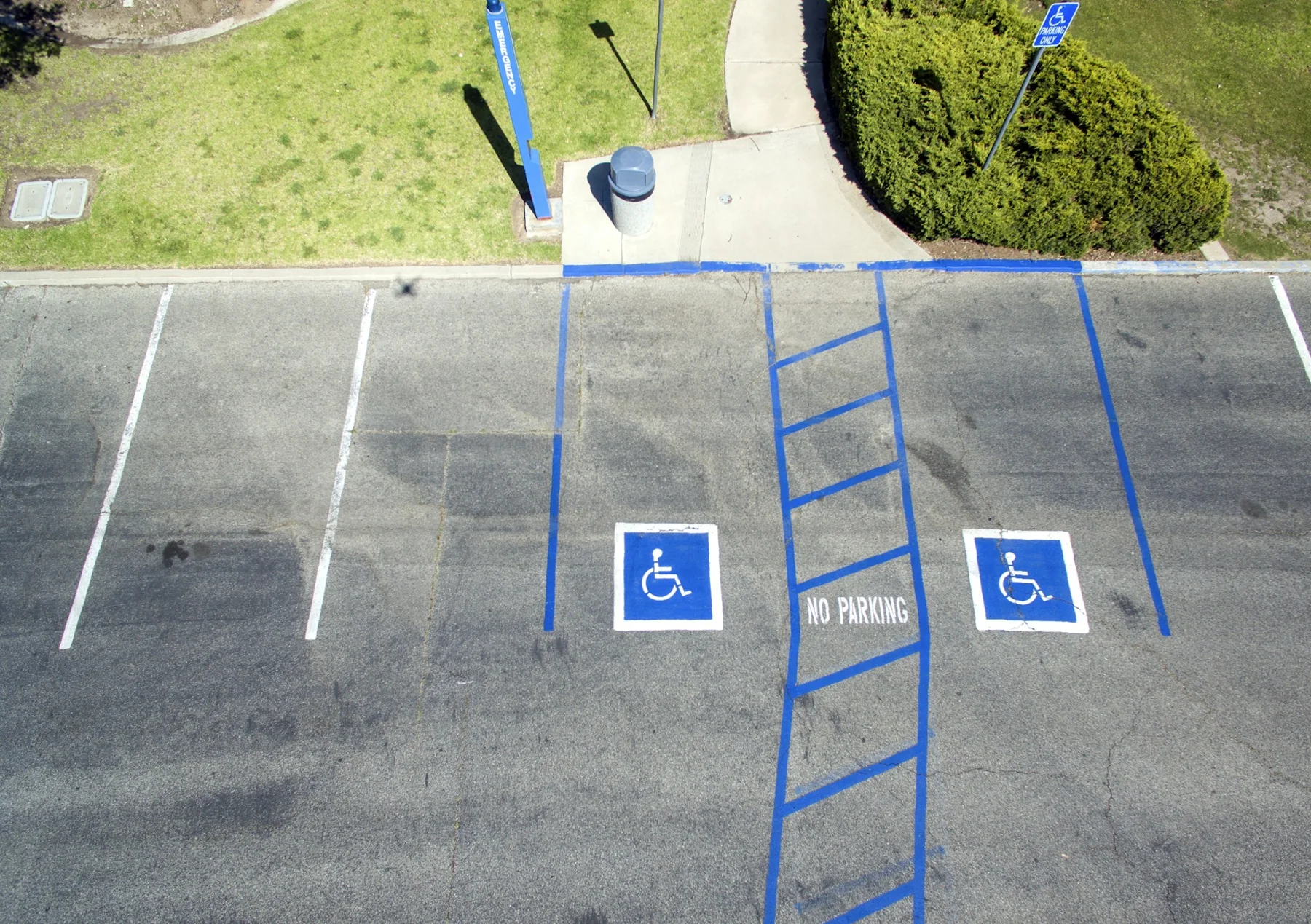
A property evaluates accessible-bay utilization.
ObserveMeasure occupancy without vehicle identity.
ActProvide operational data to the parking manager.
ReviewUse duration and data-quality report.
A sensor cannot determine permit eligibility or authorize enforcement.
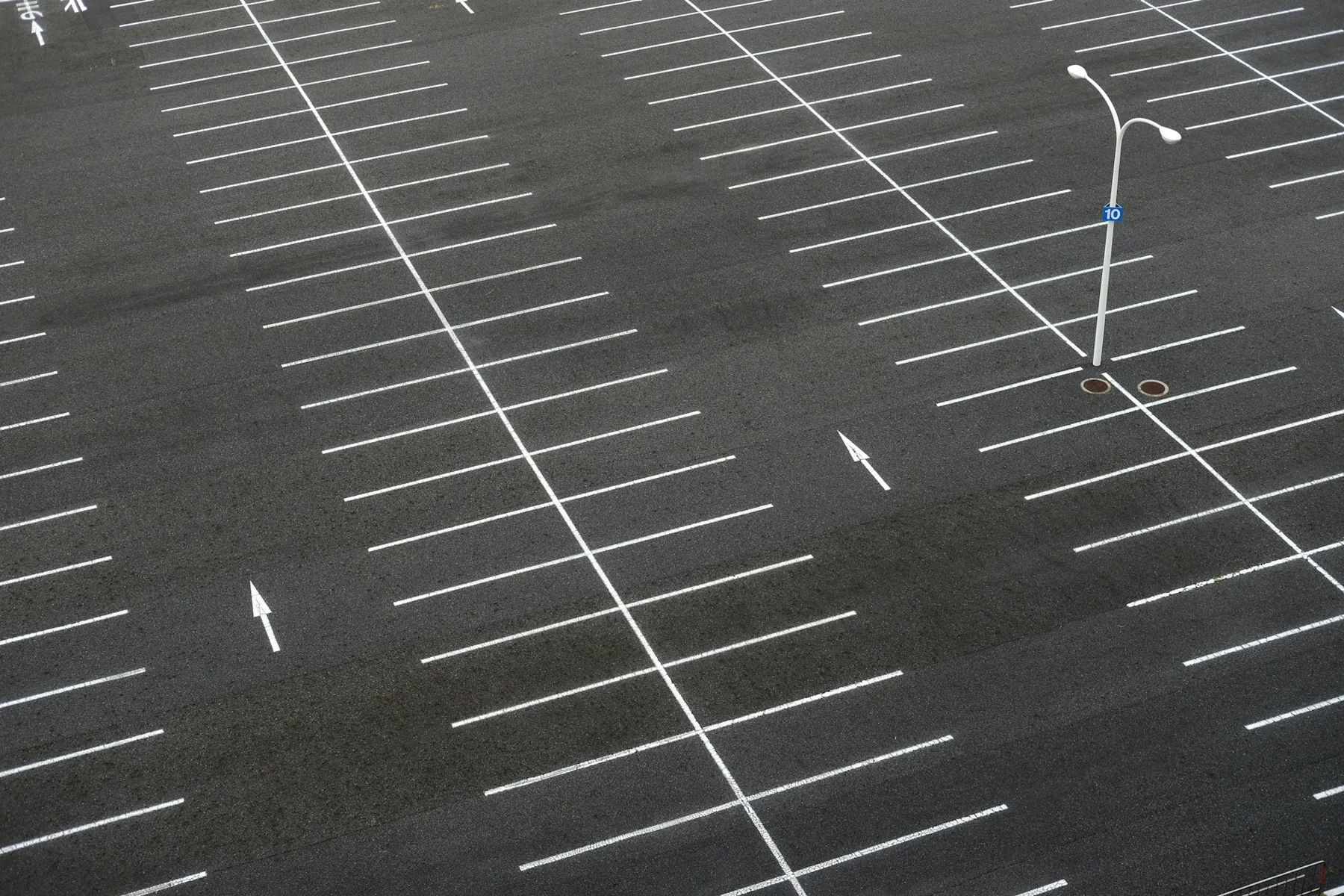
An office campus has a remote overflow lot without a practical network cable route.
ObserveConfigured parking-space occupancy through an appropriate cellular deployment.
ActFacilities checks occupancy before directing arriving staff toward overflow parking.
ReviewOccupancy by interval, peak demand and connection gaps.
Does not assume every bay is visible, automatic revenue calculation or plate collection when occupancy alone is sufficient.
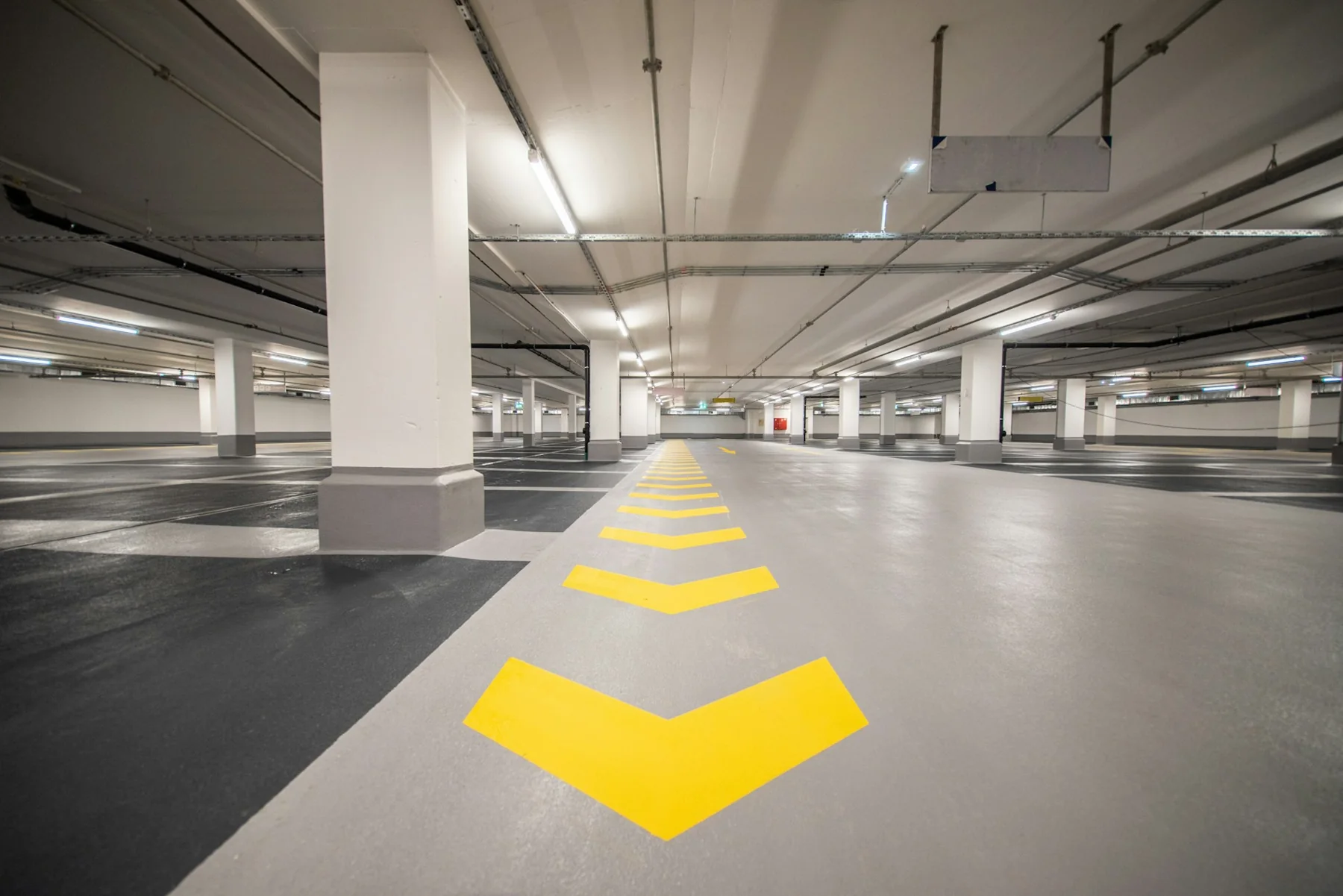
Office garage: drivers circulate while spaces remain available on an upper level.
ObserveConfigured bay occupancy and optional zone totals.
ActUpdate supported indicators and integrated signs with available-space information.
ReviewUtilization by level and guidance exceptions.
Do not promise reduced circulation time without a measured baseline.
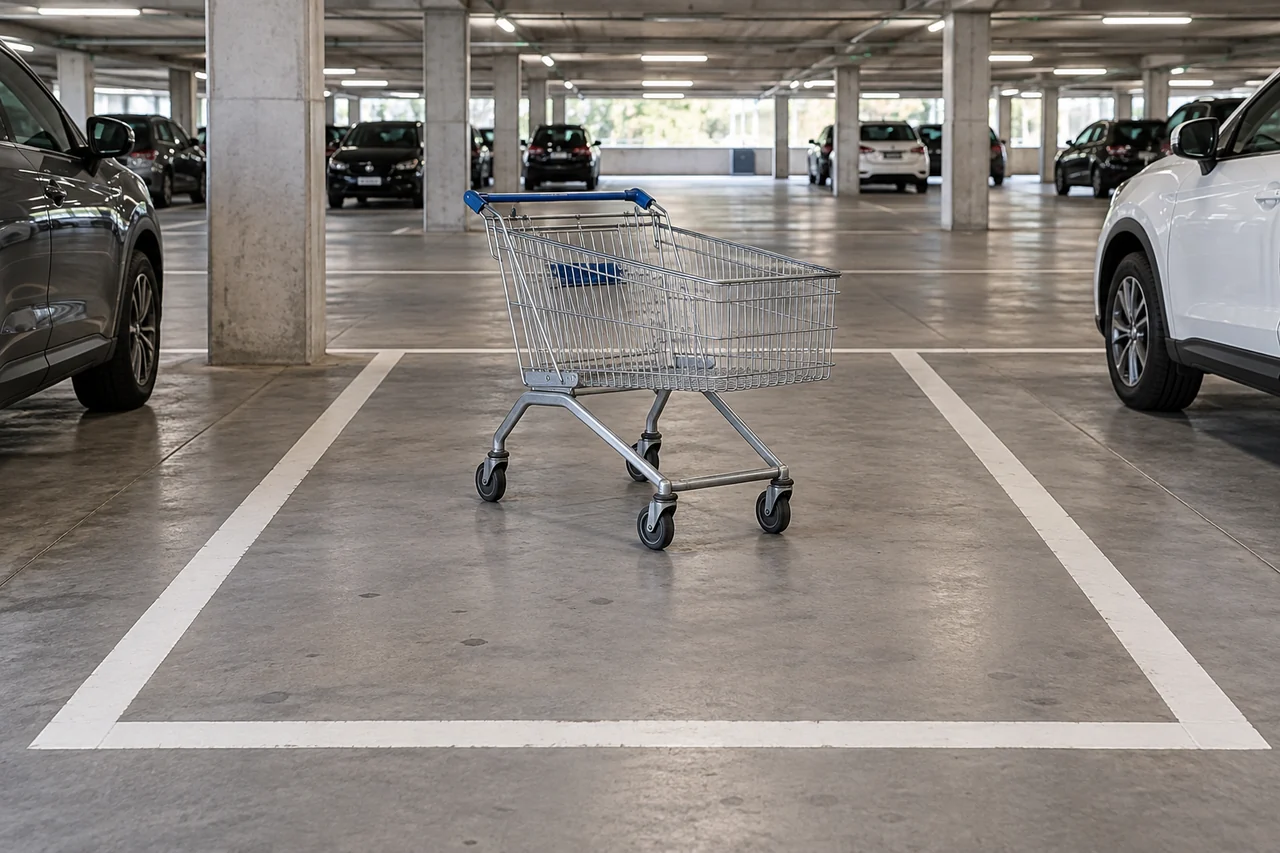
Retail garage: carts and objects occupy otherwise empty bays.
ObserveSupported abnormal-occupancy candidate events.
ActA parking attendant verifies the condition and requests clearing.
ReviewRepeated obstruction locations and time-to-clear from work logs.
Candidate classification needs human confirmation.
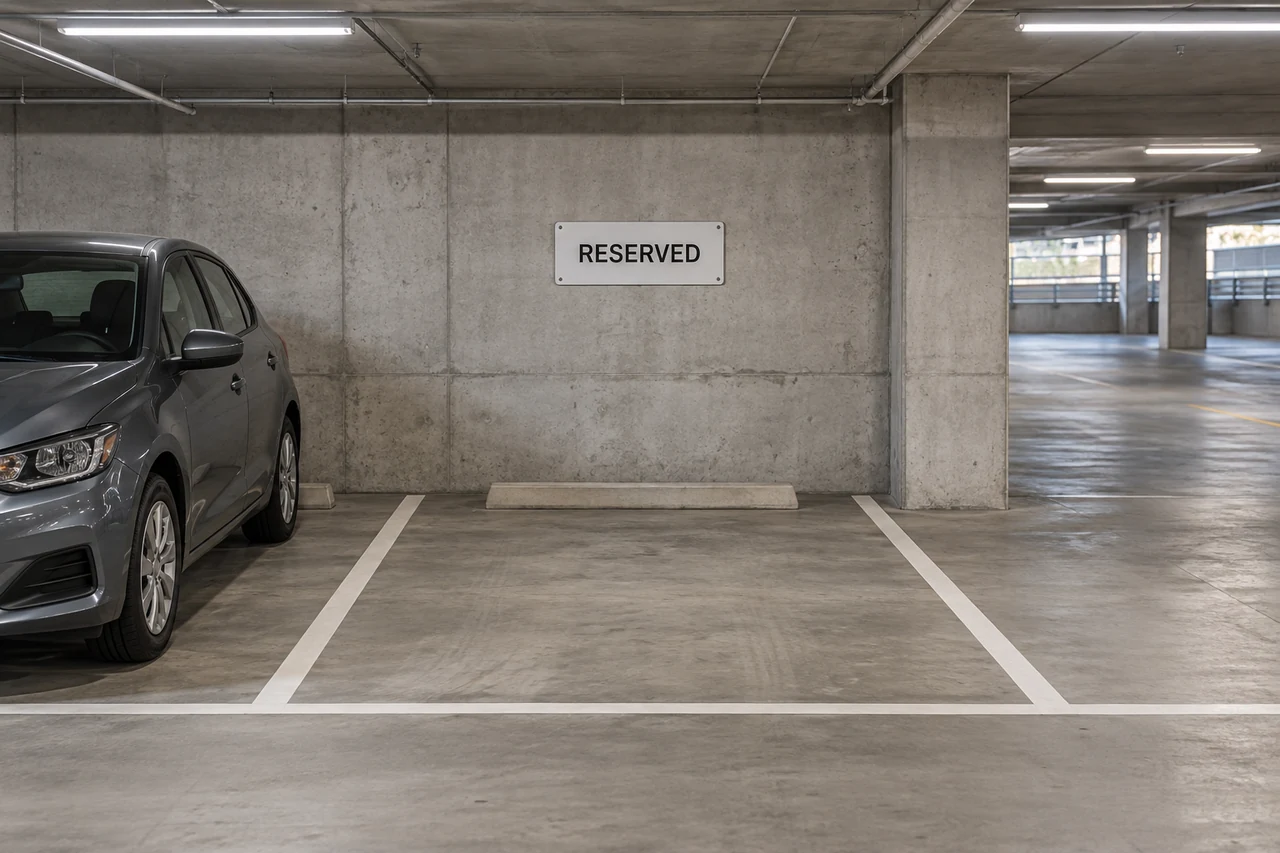
Mixed-use garage: reserved spaces need distinct operational treatment.
ObserveBay status combined with the operator’s reservation rules.
ActDisplay the agreed indicator state and review policy exceptions.
ReviewObserved availability and configured reservation exceptions.
The camera does not establish entitlement to a reserved space.
03 / FROM SIGNAL TO RESPONSE
From observation to action.
Define the signal, the connection and the person responsible for the next step.
View measurements & event details
- Individual bay sensing: occupied/unoccupied state on the supported ultrasonic parking variant
- Camera-based occupancy: occupied and available configured bays, with optional monitored-zone totals
- Garage guidance: blocked or abnormal-occupancy candidate events on supported configurations, subject to human confirmation
- State changes, device or feed health, and stale-status exceptions for the selected approach
Proposed service workflow
Keep occupancy, access and traffic questions distinct
- Observe
Bay state OR selected camera observations
- Connect locally
Sensor gateway OR camera IP network
- Collect securely
Proposed occupancy/event collection
- Review and act
Parking operator reviews exceptions and availability
- Keep a record
Occupancy or flow summaries as scoped
Optional guidance display: Supported display/controller and tested data freshness
A DEFINED SERVICE SCOPE
What Mytek Pros can help deliver.
For parking projects in San Diego and elsewhere in California, Mytek Pros can assess individual bay sensors or camera-based occupancy, validate the monitored spaces and define how stale data is shown. Compatible indicators and signage are optional integrations. Bay policies, installation, reporting and support scope are confirmed during discovery.
Explore service planning for San Diego and California projects. Installation, handover and ongoing support are agreed during discovery for the selected equipment and site.
View planned service deliverables
- Bay geometry and mounting assessment
- Occupied/free calibration and vehicle testing
- Stale-data and update-rate rules
- Optional guidance or parking-system integration
THE RECORD YOU KEEP
Your reporting scope.
A configured Mytek Pros service can turn the selected measurements into:
- Occupancy by bay and period
- Estimated dwell from consecutive state intervals
- Sensor-health and stale-availability exceptions
Configurable project options; confirm scope during discovery.
AN OPTIONAL APPROACH
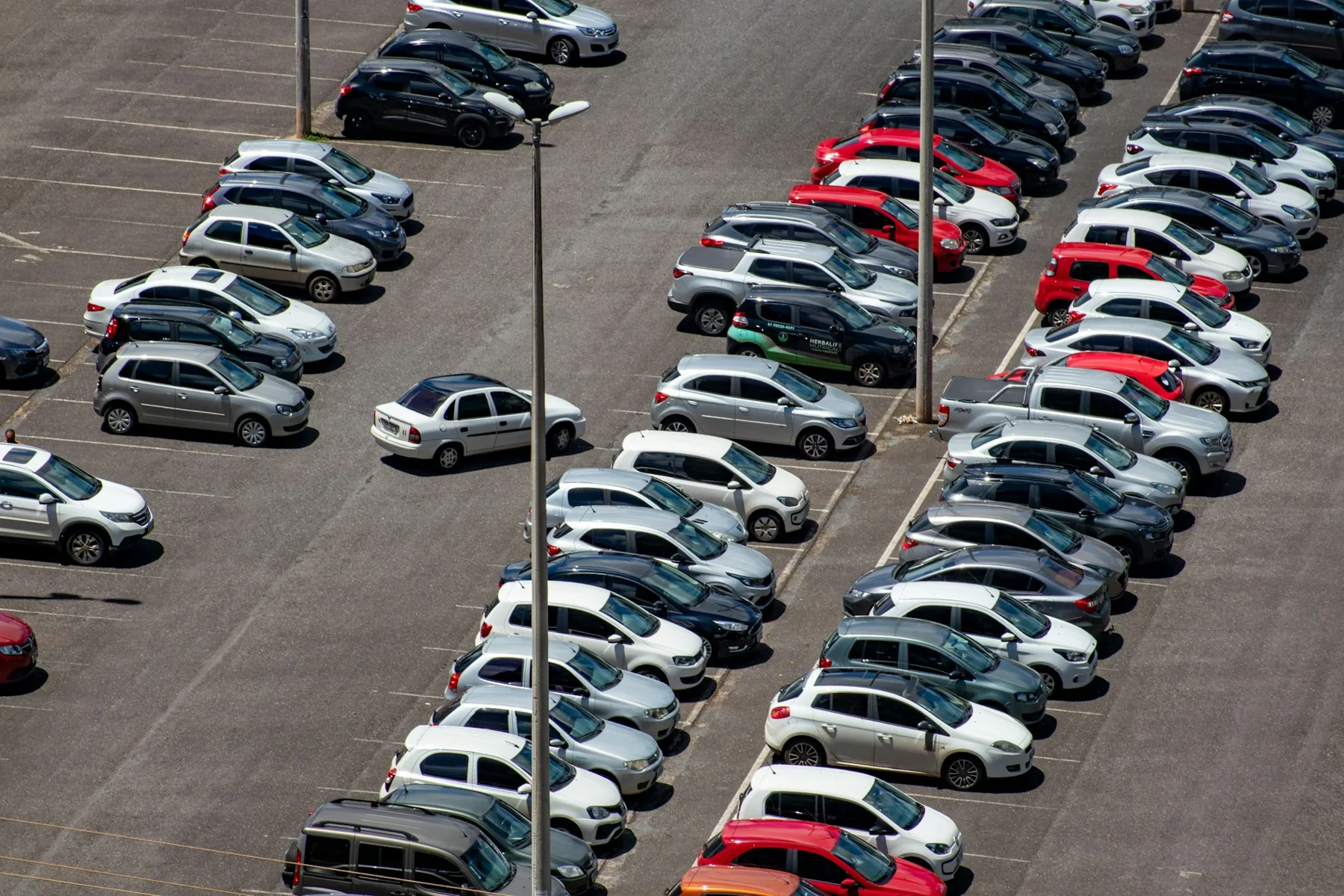
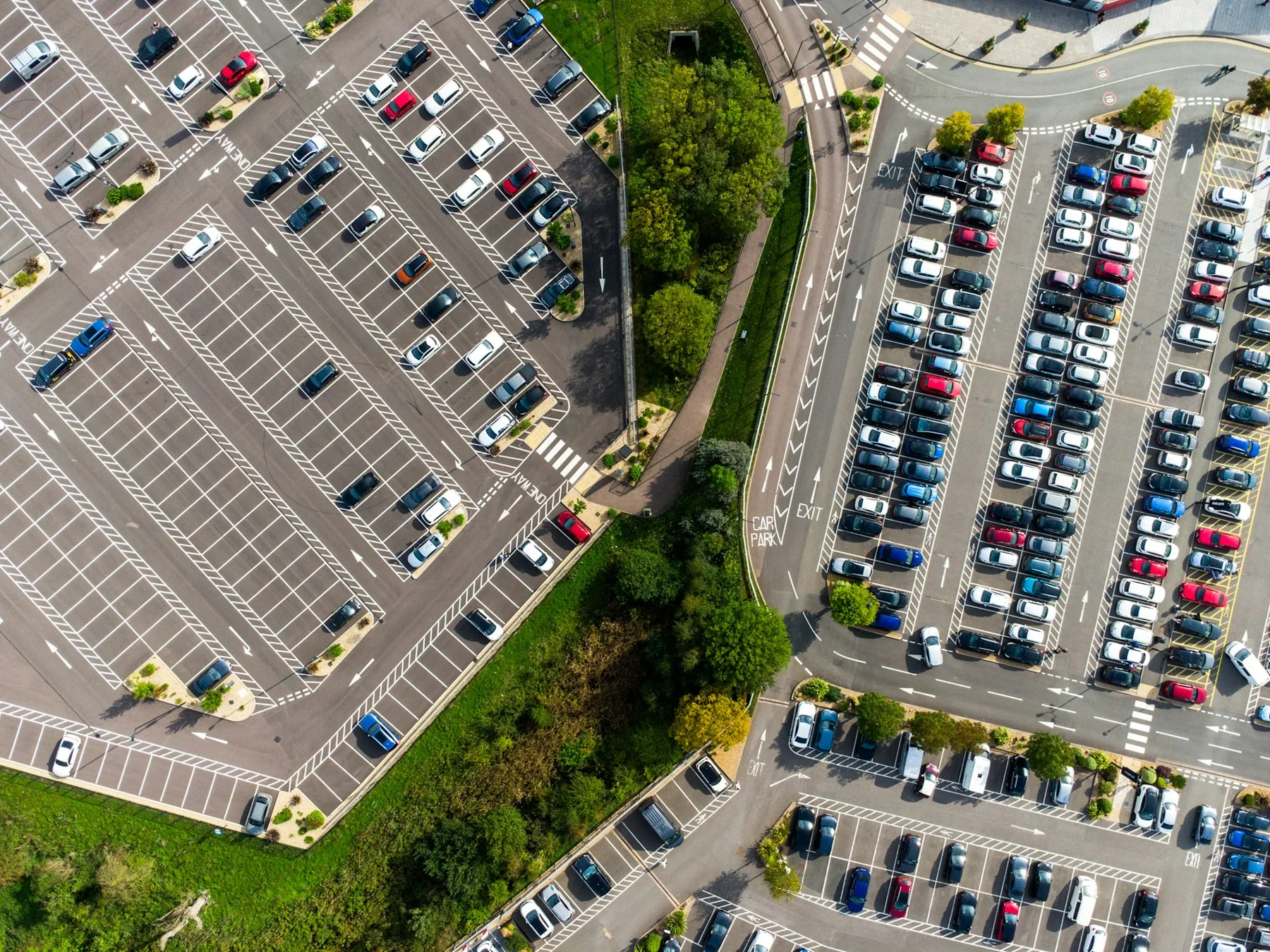
Measure larger parking areas from an elevated view
Where sight lines and mounting height allow, camera-based occupancy detection can assess multiple marked bays from one location. Wired, cellular and solar-powered configurations can suit different sites. A reporting plan can summarize occupied and available bays, peak utilization and duration of unavailable spaces. Wide-area occupancy and plate-reading modes have different capacities, so the site design is based on the selected mode and a measured acceptance test.
Reporting options
- Occupied and available configured bays
- Utilization by zone and time
- Peak occupancy periods
- Stale or uncertain status intervals
Integration requirements
- Mode-specific site design and unobstructed views
- Tested HTTP/API or MQTT export
- Bay inventory and event-history storage
- Guidance/signage integration if required
Related approach: Garage Parking Guidance
Help drivers find usable spaces with clear, current guidance. A scoped garage service can connect camera-based bay status to local indicators and, where integrated, zone signage or an operator display.
A garage may have free spaces that drivers cannot easily find. Reliable guidance begins with a correct bay inventory, good sight lines and a plan for blocked, reserved or uncertain spaces. The information shown to drivers should reflect actual operational availability.
Service scope
- Survey bay layout, ceiling height, obstructions and cabling routes.
- Configure supported bay views and clear indicator meanings.
- Integrate zone counts, signs or management displays where required.
- Test occupancy changes, special-use spaces and stale-data behavior.
What this supports
- Make available-space information easier to understand.
- Give operators a view of repeated occupancy or guidance problems.
- Support layout and operational decisions with bay-level history.
Measurements & events
- Occupied and available configured bays
- Peak utilization by monitored zone
- Stale status and guidance exceptions
- Blocked or abnormal occupancy events on supported configurations
Reporting
A proposed garage report can compare utilization by zone and period, summarize unusual occupancy events and list failed indicators or stale feeds. Turnover and occupancy duration require a configured event history. A driver-navigation application is a separate integration rather than an assumed device feature.
Requirements
- Suitable views for selected bay groups
- Compatible indicators, power and network wiring
- Bay inventory and reserved-space policies
- Tested interface for signs, dashboards and report storage
Guidance is limited to monitored, validated spaces. An indicator is not a reservation or an enforcement decision. Occlusion and layout changes can affect status, and stale data must be visibly handled.
Parking operators and commercial property managers
Plan a garage guidance pilot →04 / DISCOVERY & DESIGN
Before installation.
Confirm compatibility, placement and operating responsibilities for your site.
What we’ll work through
- For ultrasonic bay sensors, parking mode is supported on the specified LoRaWAN variant, not every cellular version
- An ultrasonic bay sensor does not identify a vehicle or license plate; camera occupancy and plate-reading modes are separate design choices
- Camera-based guidance requires suitable views, compatible indicators, tested interfaces and the operator’s bay and reservation rules
- Dwell and turnover are derived estimates, affected by reporting gaps
- Booking, payment, enforcement and guidance systems require separate integrations
Tell Mytek Pros about your site, existing systems, and the decisions you want the data to support.
Assess your parking bays and guidance options ↗EXPLORE CONNECTED APPLICATIONS