
MYTEK PROS / CONNECTED OPERATIONS
People Counting and Footfall Analytics
See how people move through your entrances.
Plan your project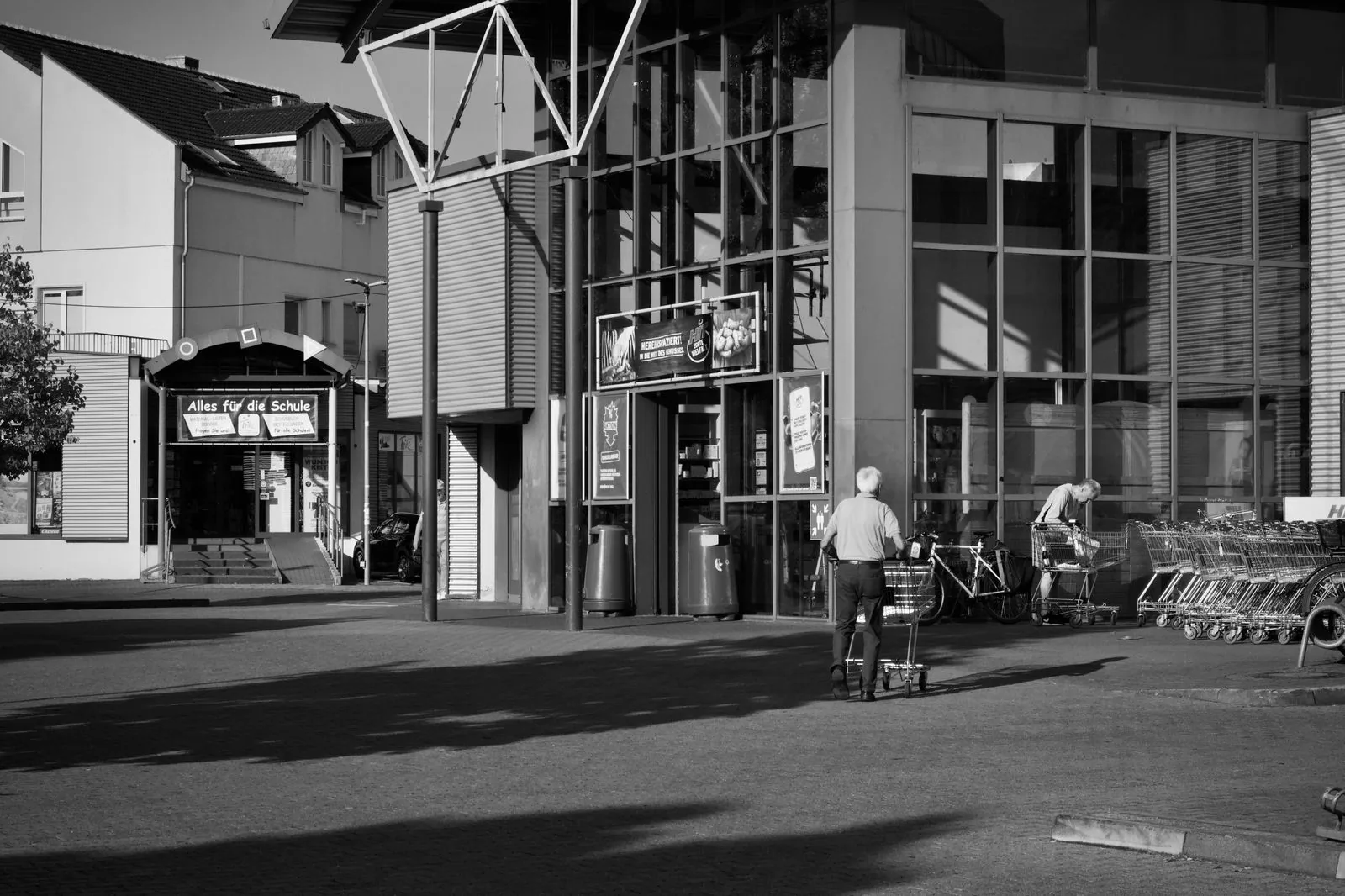
01 / THE OPPORTUNITY
Understand demand at your entrances.
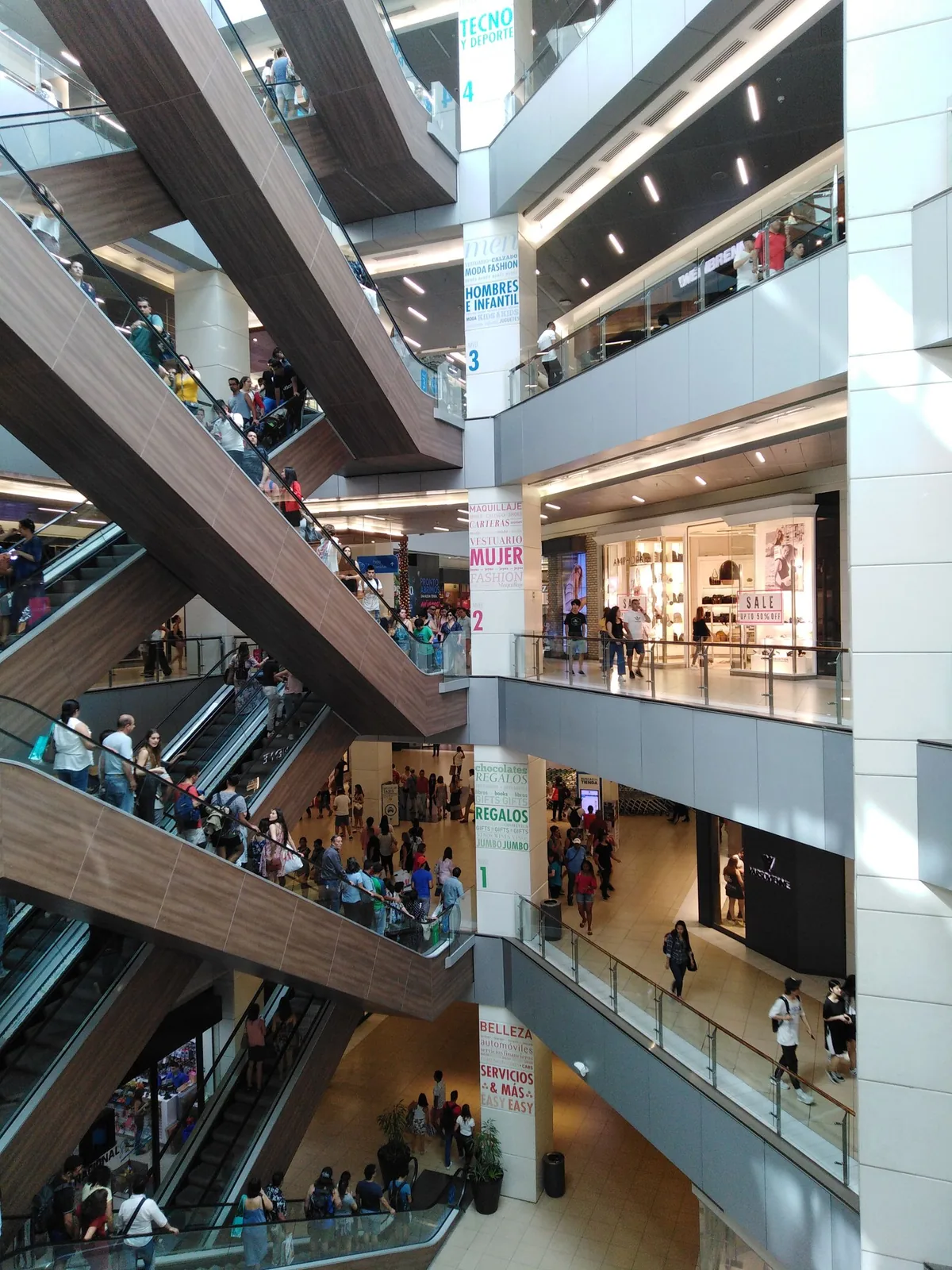
Retail, venues, libraries and multi-site operations teams
Without reliable entrance data, busy periods and staffing demand are easy to misjudge.
Match counting technology to doorway width, mounting height, and traffic flow, then turn verified counts into practical operational reports.
- Align staffing with demand
- Compare comparable opening periods
- Evaluate entrance use and visitor trends
APPLICATIONS IN PRACTICE
Different entrances. Different patterns.
Illustrative scenarios for facilities teams and operators.
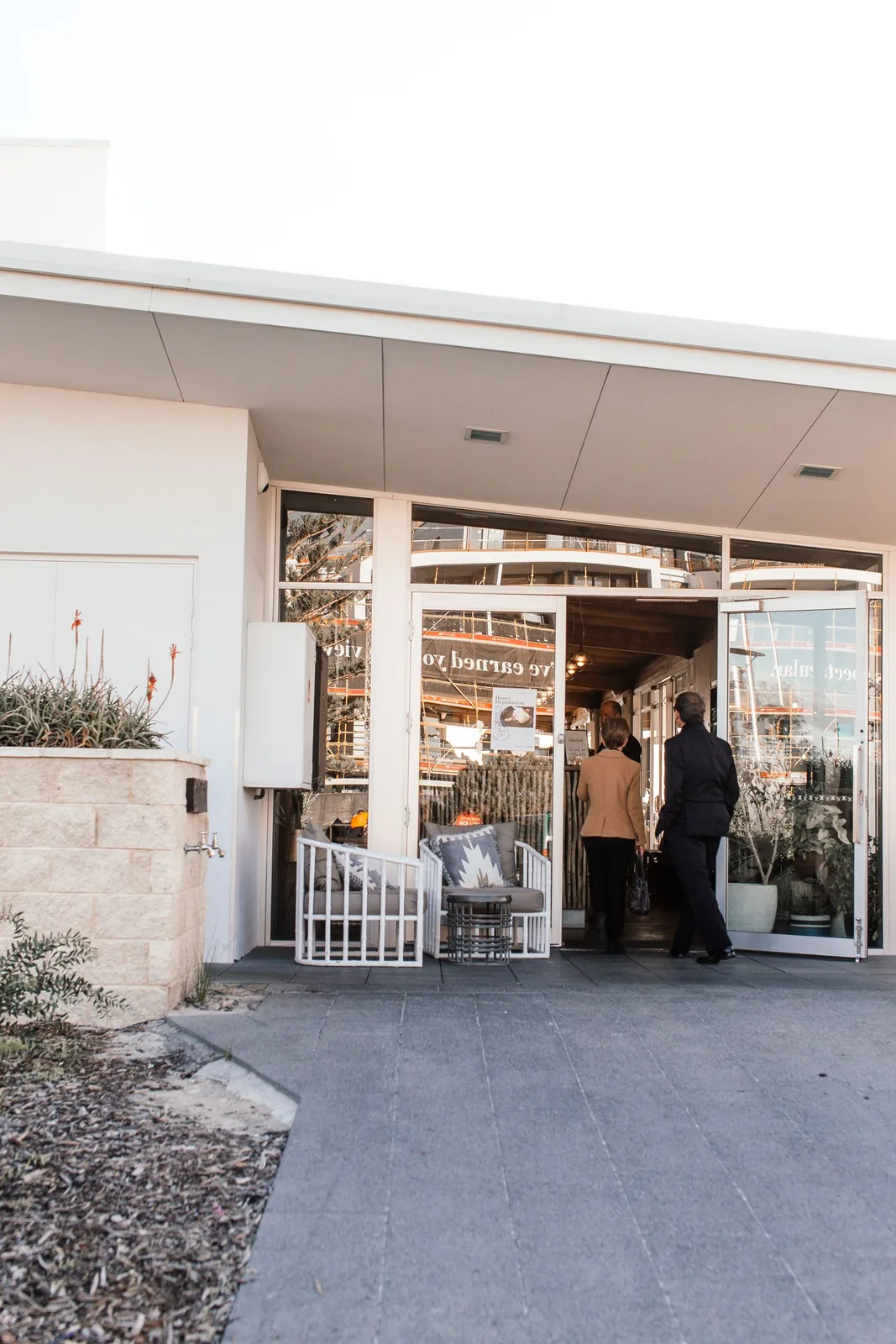
A retailer struggles to staff weekend peaks.
ObserveCount customers entering and leaving the front entrance.
ActCompare arrival patterns with the staffing plan.
ReviewHourly footfall profile by day of week.
Staff exclusion and sales data must be configured separately.
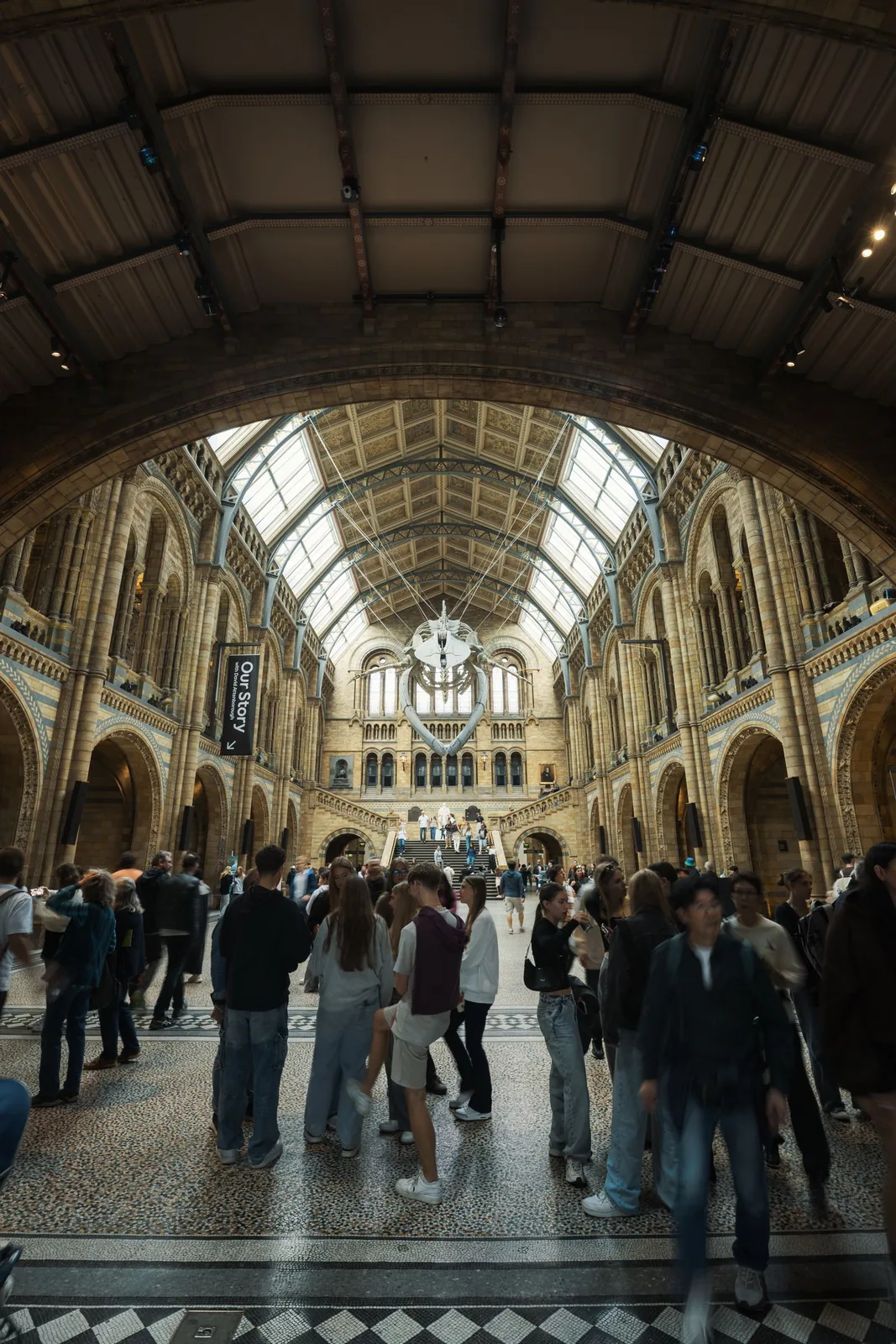
A museum has a high atrium entrance.
ObserveUse a suitable high-mount sensor and validate the field of view.
ActReview peak arrivals and queue staffing with visitor services.
ReviewDaily entrance totals and peak arrival windows.
High mounting capability does not guarantee site accuracy.
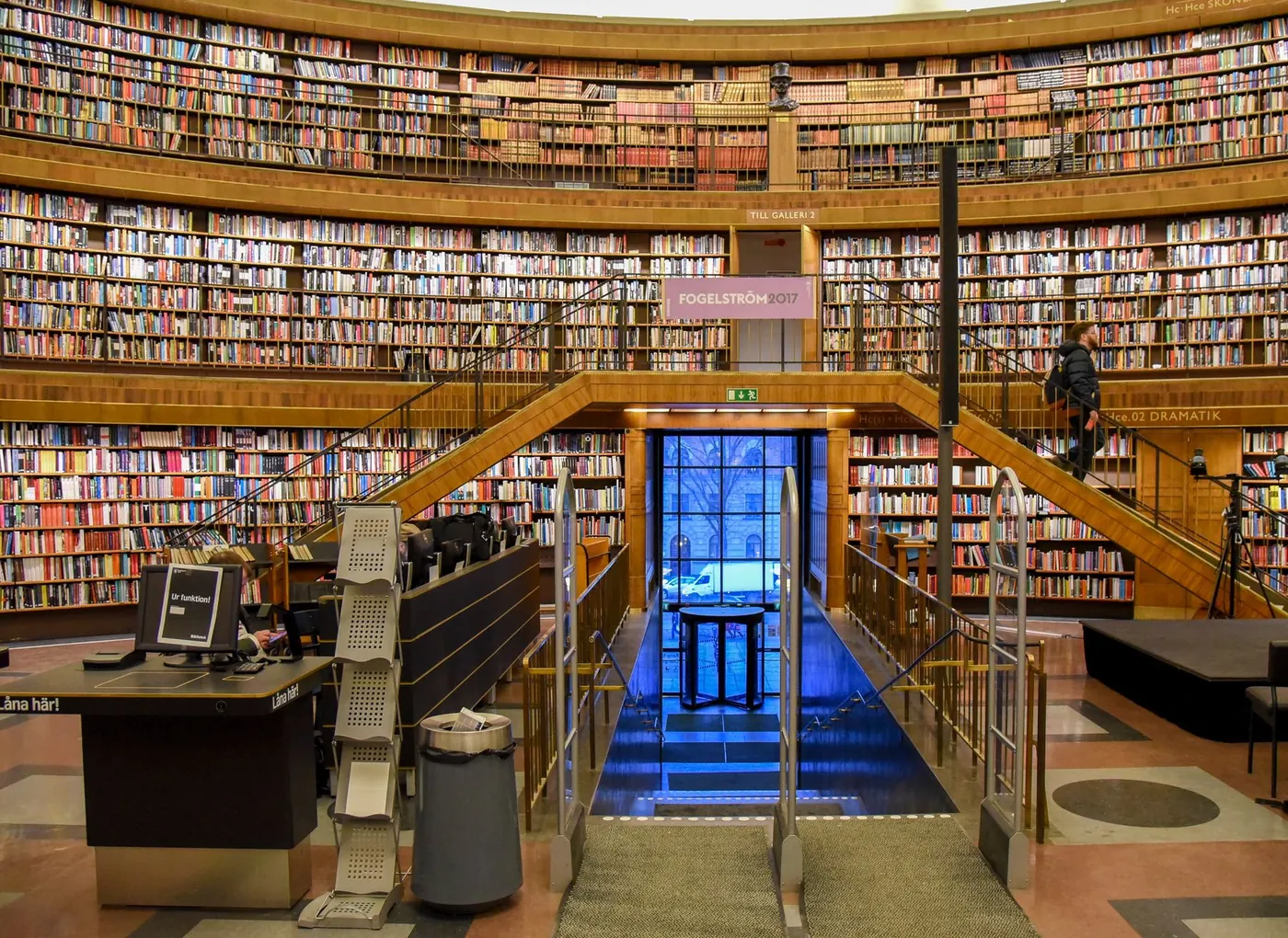
A library wants a practical attendance trend.
ObserveUse a passage counter on a controlled doorway.
ActCompare attendance around programs and opening changes.
ReviewProgram-day footfall versus matched non-program days.
A basic counter cannot determine visitor identity or visit purpose.
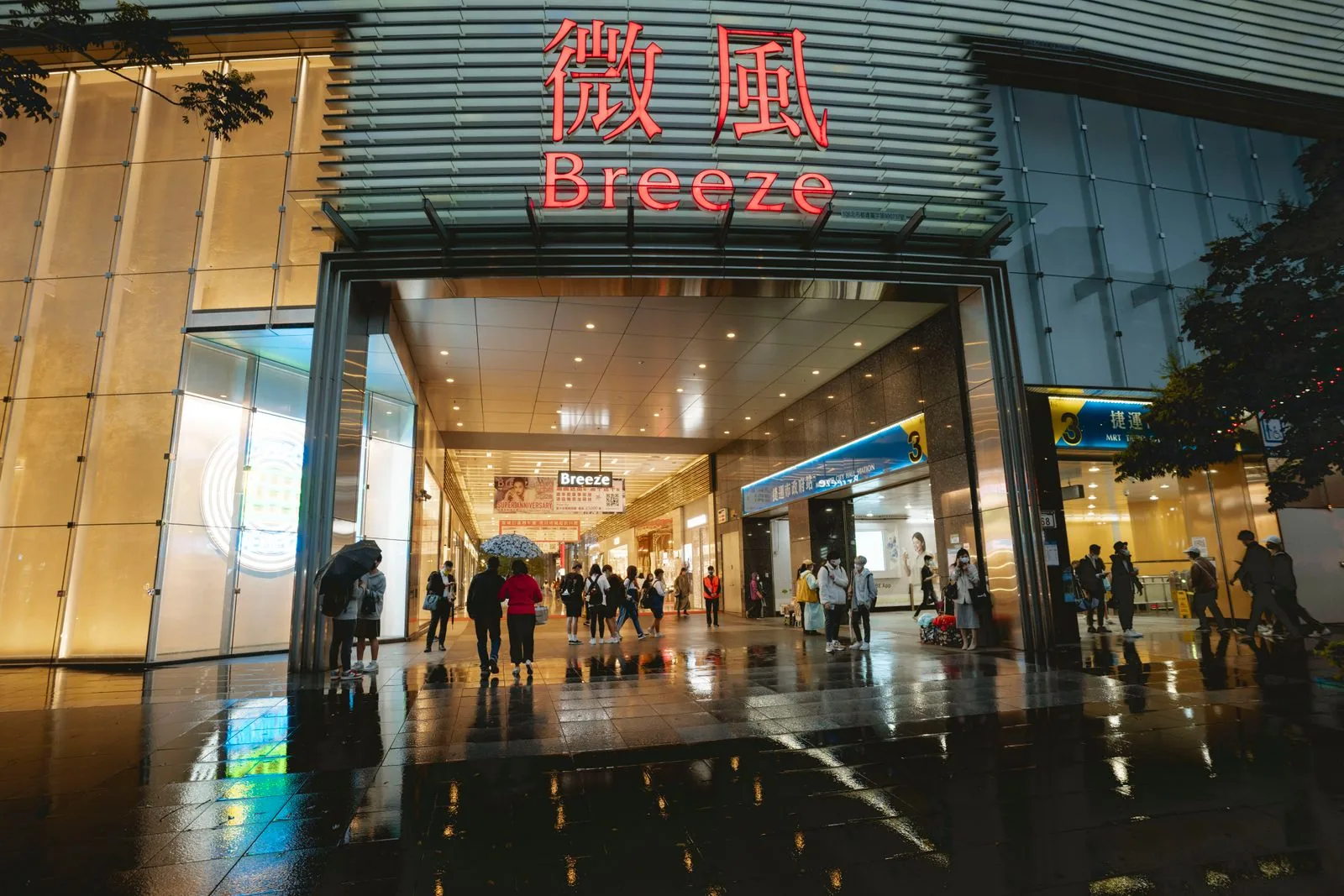
A multi-entrance retail store needs to compare morning and evening demand.
ObserveDirectional entry counts at selected doors.
ActThe manager reviews comparable time windows before adjusting staff coverage.
ReviewWeekly entrance and peak-period comparison with validation notes.
Counts are crossings, not verified unique customers; no demographic inference or automatic staffing decisions.
03 / FROM SIGNAL TO RESPONSE
From observation to action.
Define the signal, the connection and the person responsible for the next step.
View measurements & event details
- Directional entry and exit counts
- Region counts on supported models
- Optional staff filtering with compatible accessories
Proposed service workflow
From room activity to better space decisions
- Observe
Room, desk or entry observations as scoped
- Connect locally
Local sensor gateway or approved camera network
- Collect securely
Proposed aggregate collection by space/time window
- Review and act
Workplace team reviews patterns and exceptions
- Keep a record
Utilization summary for planning
A DEFINED SERVICE SCOPE
What Mytek Pros can help deliver.
For retail, library and venue projects in San Diego and elsewhere in California, Mytek Pros can assess entrances, validate directional counts and design hourly or site-level footfall reports. Staff filtering and occupancy calculations require additional setup. Coverage, camera use, installation and support scope are confirmed during discovery.
Explore service planning for San Diego and California projects. Installation, handover and ongoing support are agreed during discovery for the selected equipment and site.
View planned service deliverables
- Entrance coverage assessment
- Directional counting and validation
- Optional staff-exclusion setup
- Site and portfolio reporting design
THE RECORD YOU KEEP
Your reporting scope.
A configured Mytek Pros service can turn the selected measurements into:
- Hourly and daily footfall trends
- Peak-period and entrance comparisons
- Count reconciliation and coverage-quality exceptions
Configurable project options; confirm scope during discovery.
AN OPTIONAL APPROACH
Use existing camera coverage where it fits
Where video is already appropriate for the space, compatible camera analytics can add directional entry and exit counts. A site assessment checks mounting, crowding, lighting and the difference between counting an entry and identifying a unique visitor. Reports can compare time periods and entrances once data collection, reset rules and missing-data flags are configured. Video access and retention remain separately controlled; aggregate counting does not make the underlying footage anonymous.
Reporting options
- Entries and exits per interval
- Peak entry periods
- Count-validation sample results
- Missing or invalid reporting intervals
Integration requirements
- Compatible camera firmware and configured counting lines
- Native export or tested interface
- Aggregation/reporting destination and time synchronization
04 / DISCOVERY & DESIGN
Before installation.
Confirm compatibility, placement and operating responsibilities for your site.
What we’ll work through
- Counts are estimates affected by crowding, occlusion and installation
- Different models support different analytics and counting accuracy
- Aggregate entry counts are not verified unique visitors
- Occupancy derived from entry/exit requires all entrances, resets and drift correction
Tell Mytek Pros about your site, existing systems, and the decisions you want the data to support.
Review your entrances and counting objectives ↗EXPLORE CONNECTED APPLICATIONS