
MYTEK PROS / CONNECTED OPERATIONS
Perimeter and Restricted-Area Alerts
Turn a defined boundary into a reviewable event.
Plan your project
01 / THE OPPORTUNITY
Turn a boundary event into a review task.
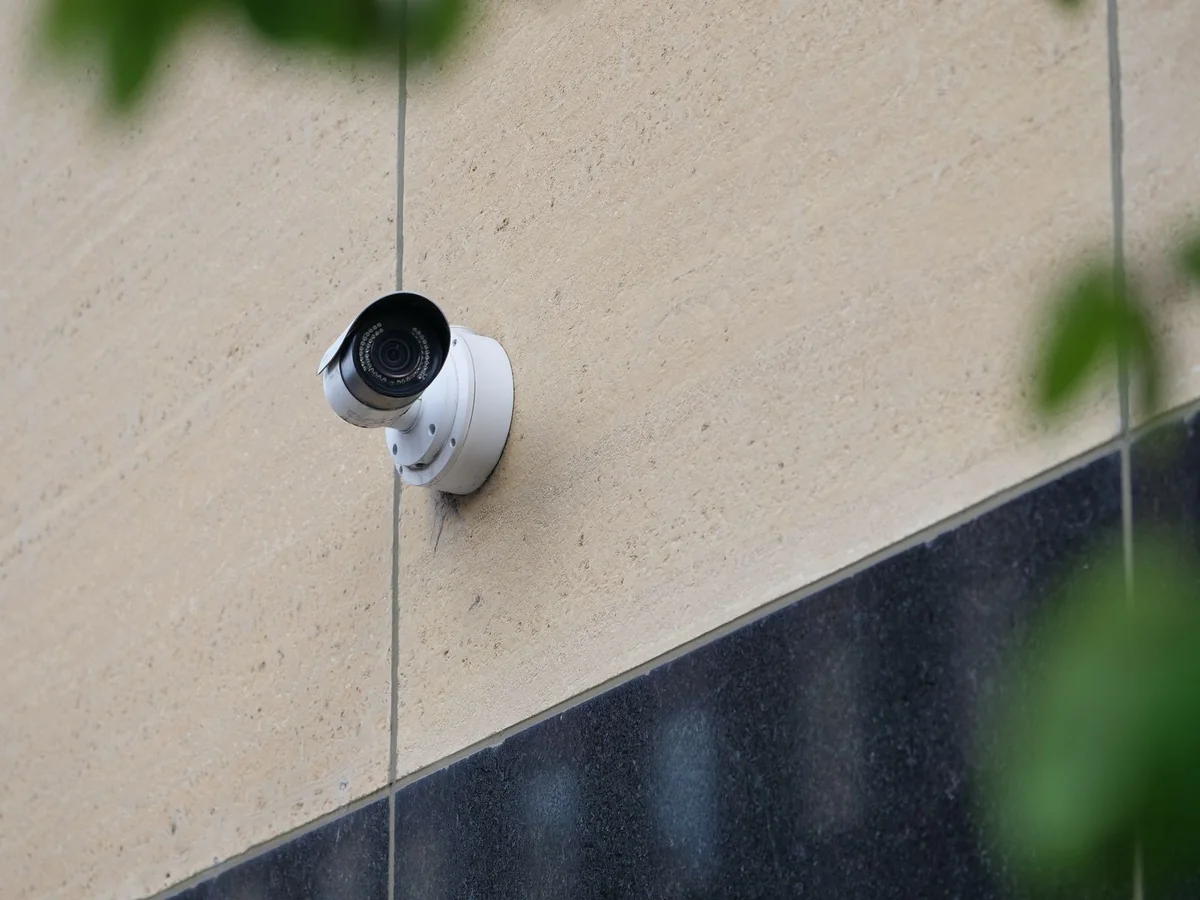
Security managers, facilities teams and site operators
Basic motion detection can bury a team in irrelevant activity. A useful perimeter workflow defines where movement matters, when a rule should apply and how an event reaches an available reviewer. It also tests common sources of nuisance alerts.
Plan alerts around fences, yards, restricted doors and after-hours zones so the right person can check what happened and decide what to do.
- Focus review on configured boundaries and schedules.
- Make nuisance-alert tuning measurable.
- Give managers a clear record of repeated locations and unresolved issues.
APPLICATIONS IN PRACTICE
Boundaries with defined review rules.
Illustrative scenarios for facilities teams and operators.
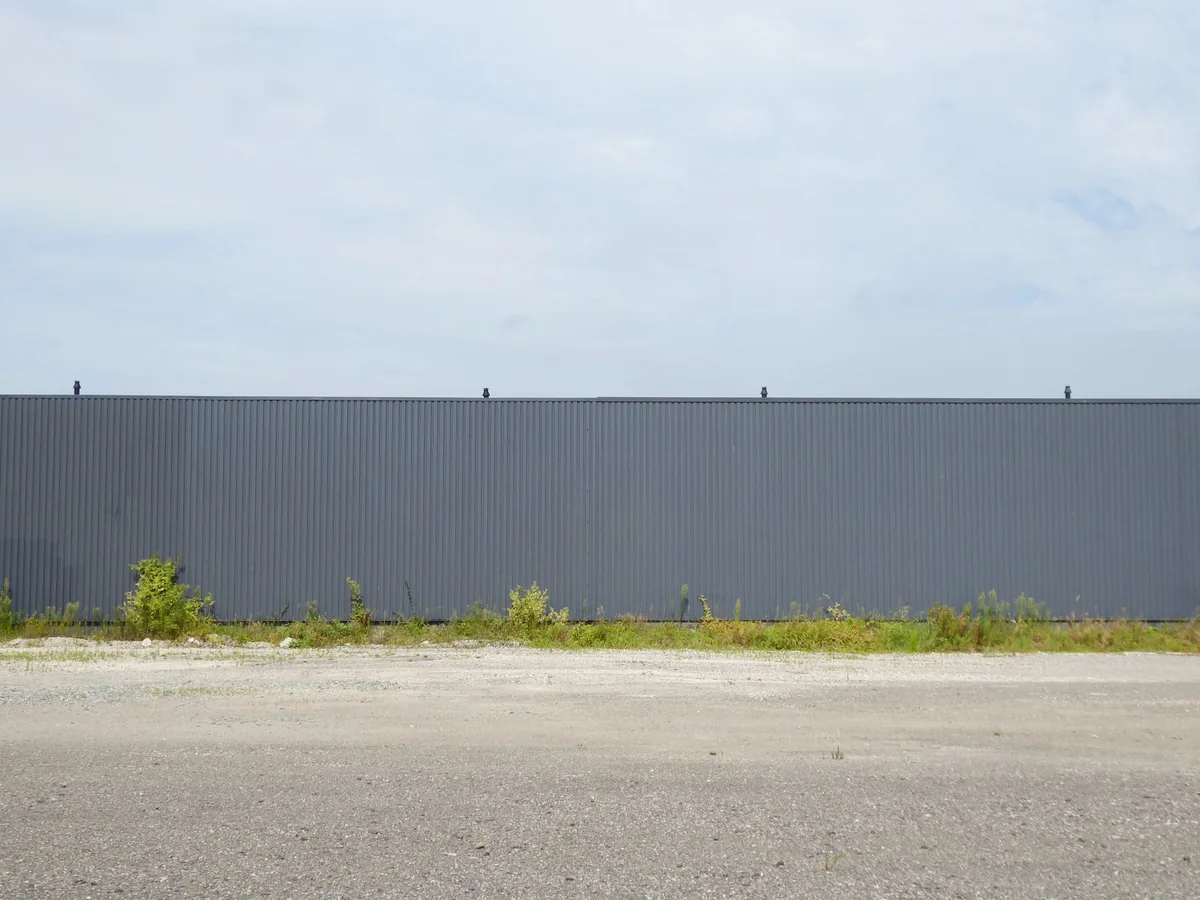
Distribution yard: after-hours activity occurs near a rear fence.
ObserveHuman or vehicle crossing events inside the approved boundary.
ActNotify the designated contact, who verifies the clip and follows the site procedure.
ReviewEvents by fence zone, reviewed nuisance rate and acknowledgment history.
Do not infer criminal intent from a crossing event.
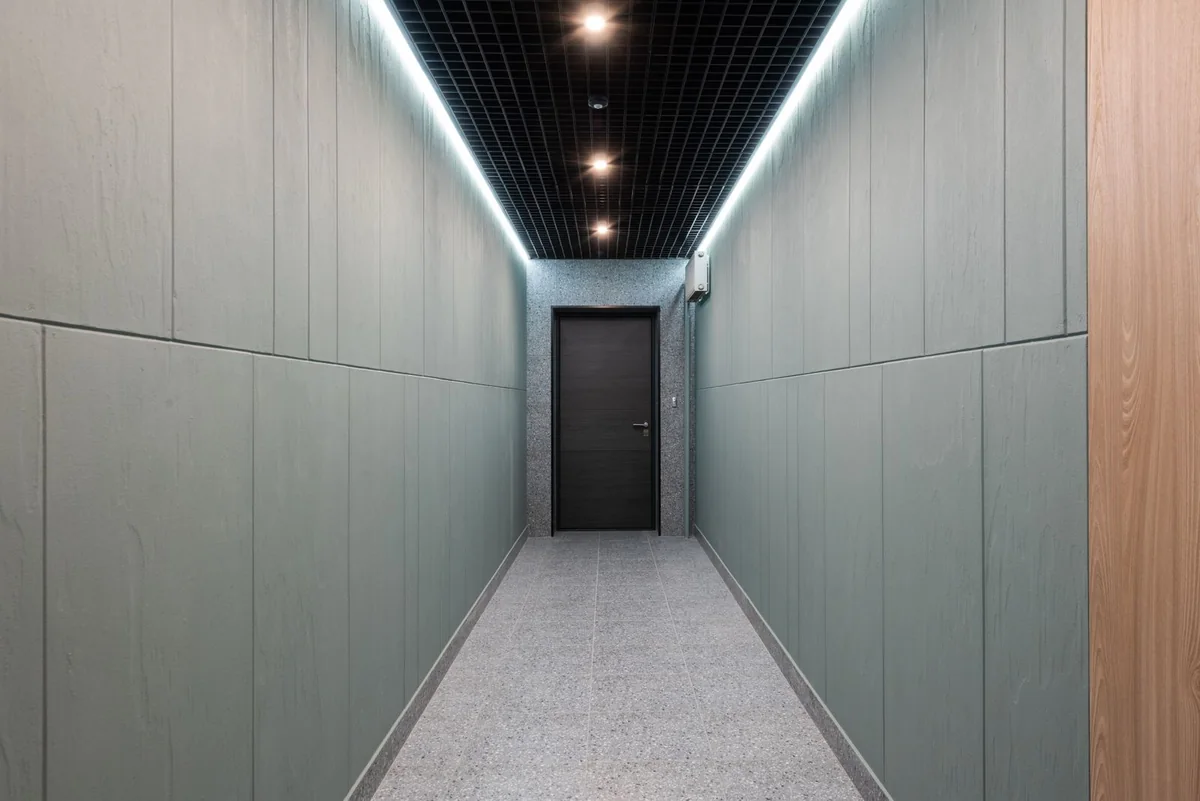
Business campus: a service corridor should be quiet overnight.
ObserveScheduled region-entry events.
ActA facilities contact checks whether access was authorized before escalating.
ReviewAfter-hours event timeline and recurring schedule exceptions.
Access authorization comes from the access system or staff, not appearance.
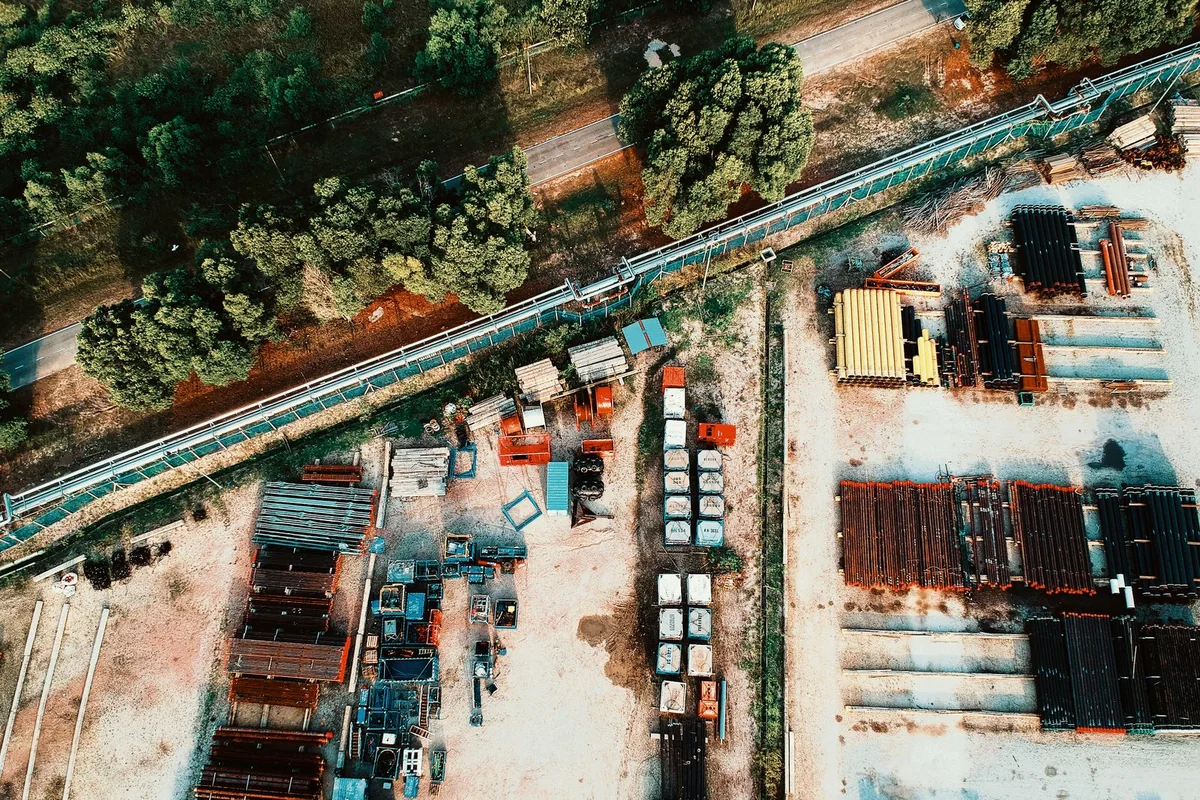
Remote storage yard: wind and wildlife create repeated motion notifications.
ObserveClassified event samples and nuisance dispositions.
ActTune permitted rules and relocate the view if acceptance tests fail.
ReviewBefore-and-after nuisance-event review with documented coverage gaps.
No universal accuracy percentage or zero-false-alarm promise.
03 / FROM SIGNAL TO RESPONSE
From observation to action.
Define the signal, the connection and the person responsible for the next step.
View measurements & event details
- Triggered events by zone and hour
- Reviewed events marked actionable or nuisance
- Acknowledgment time when a response system records it
- Camera or communication gaps during monitored periods
Proposed service workflow
Turn a perimeter event into reviewable evidence
- Observe
Configured scene event or selected video analytic
- Connect locally
PoE network/router; local recording as scoped
- Collect securely
Proposed event integration and authorized evidence access
- Review and act
Named operator reviews the event and decides next action
- Keep a record
Incident notes and retained evidence per policy
Local video recording: Compatible recorder/storage, capacity and retention plan
A DEFINED SERVICE SCOPE
What Mytek Pros can help deliver.
Mytek Pros can scope camera-based perimeter alerts for yards, fences and restricted areas in San Diego and elsewhere in California. Zone rules, schedules and nuisance testing connect event clips to designated reviewers. Notification routing, installation and support are confirmed during discovery; response coverage requires an agreed service scope.
Explore service planning for San Diego and California projects. Installation, handover and ongoing support are agreed during discovery for the selected equipment and site.
View planned service deliverables
- Map approved zones, virtual crossing lines and operating schedules.
- Select compatible human or vehicle event filtering for each scene.
- Tune sensitivity against weather, vegetation, headlights and normal site movements.
- Connect event clips to an agreed notification and acknowledgment workflow.
THE RECORD YOU KEEP
Your reporting scope.
A scoped exception report can show alert patterns, reviewer dispositions and repeat problem areas. A monthly tuning review can compare similar operating periods and record the rule changes made. Response-time reporting depends on a connected workflow and named responders.
Operating boundaries
Detection is an aid to human review. Blind spots, occlusion, weather and site changes affect performance. The service does not include police dispatch or around-the-clock human monitoring unless separately contracted.
04 / DISCOVERY & DESIGN
Before installation.
Confirm compatibility, placement and operating responsibilities for your site.
What we’ll work through
- Compatible camera event outputs and recording
- Tested event transport and time synchronization
- Notification destination, escalation rules and responsible staff
- Scene-specific acceptance testing
Share your site and existing systems to discuss the installation scope.
Map your perimeter zones and alert workflow ↗EXPLORE CONNECTED APPLICATIONS