
MYTEK PROS / CONNECTED OPERATIONS
Assistance and Service Request Buttons
Give people a clear way to request routine assistance.
Plan your project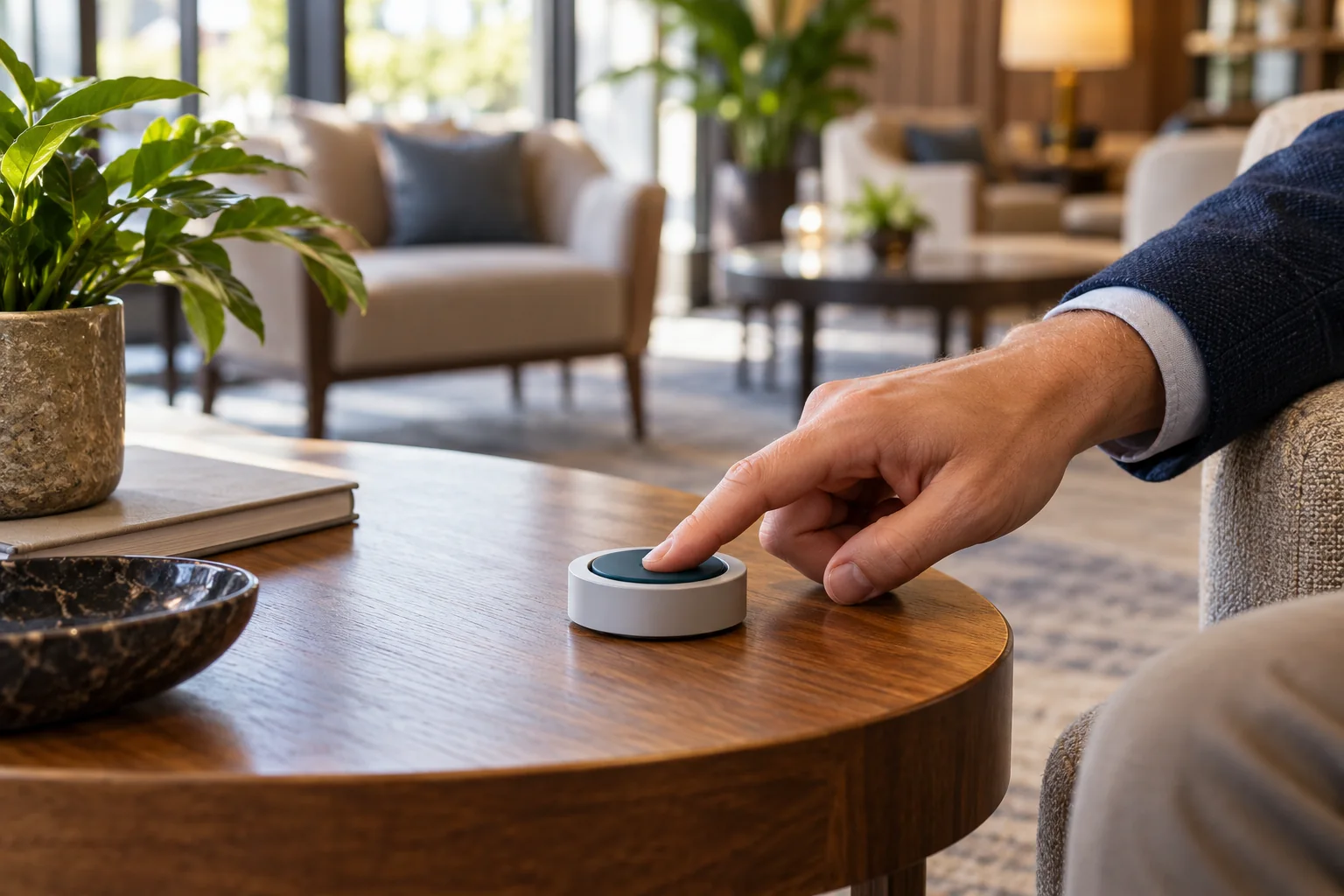
01 / THE OPPORTUNITY
Make routine requests easier to route.
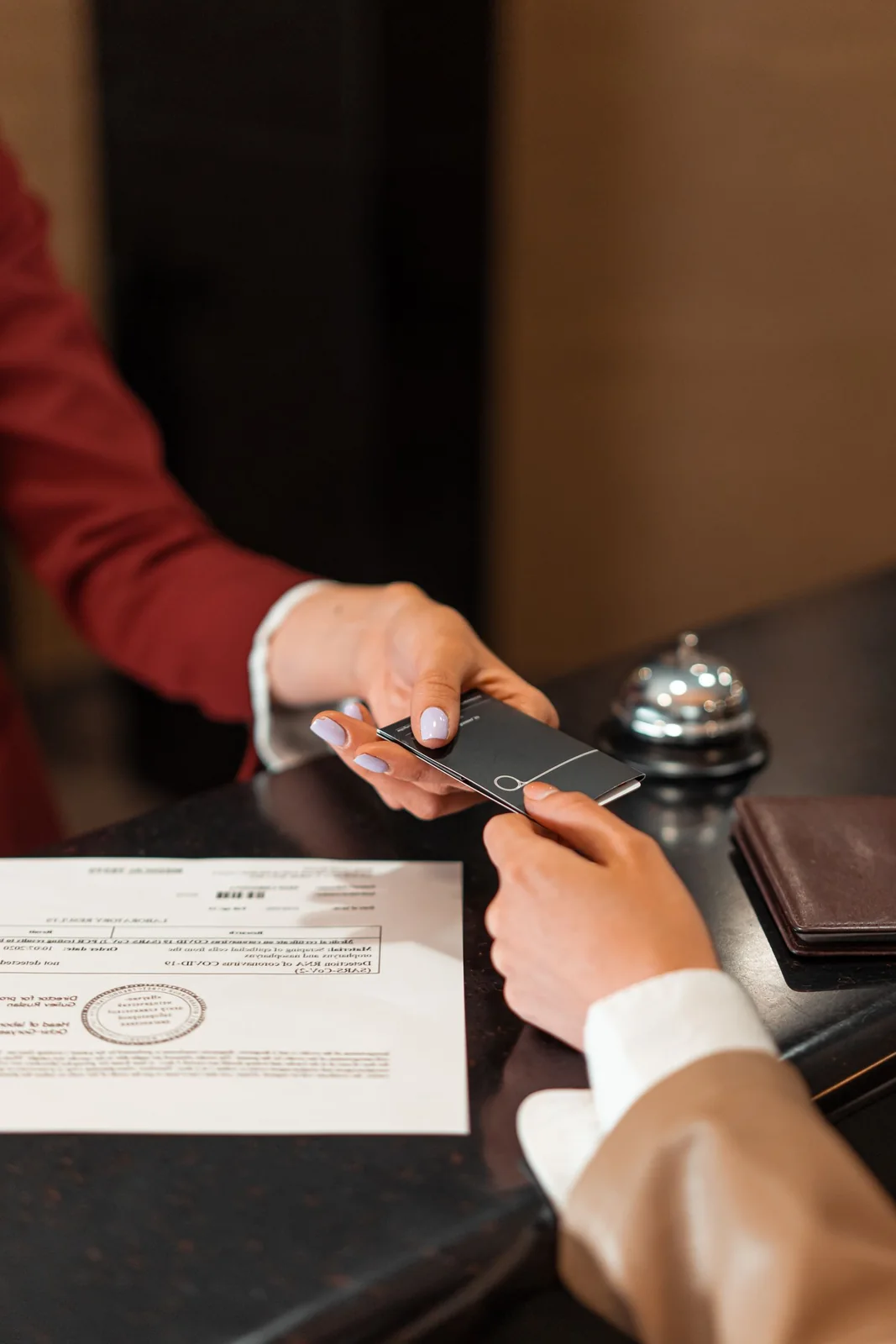
Hospitality, workplace and facility-service operators
A simple request can be lost when staff rely on shouting, searching, or disconnected messages.
Design button actions, notifications, and acknowledgment around a defined service workflow so teams can see what was requested and what happened next.
- Make routine requests easier
- Reduce untracked handoffs
- Understand service-demand patterns
APPLICATIONS IN PRACTICE
Requests, recipients and follow-through.
Illustrative scenarios for facilities teams and operators.
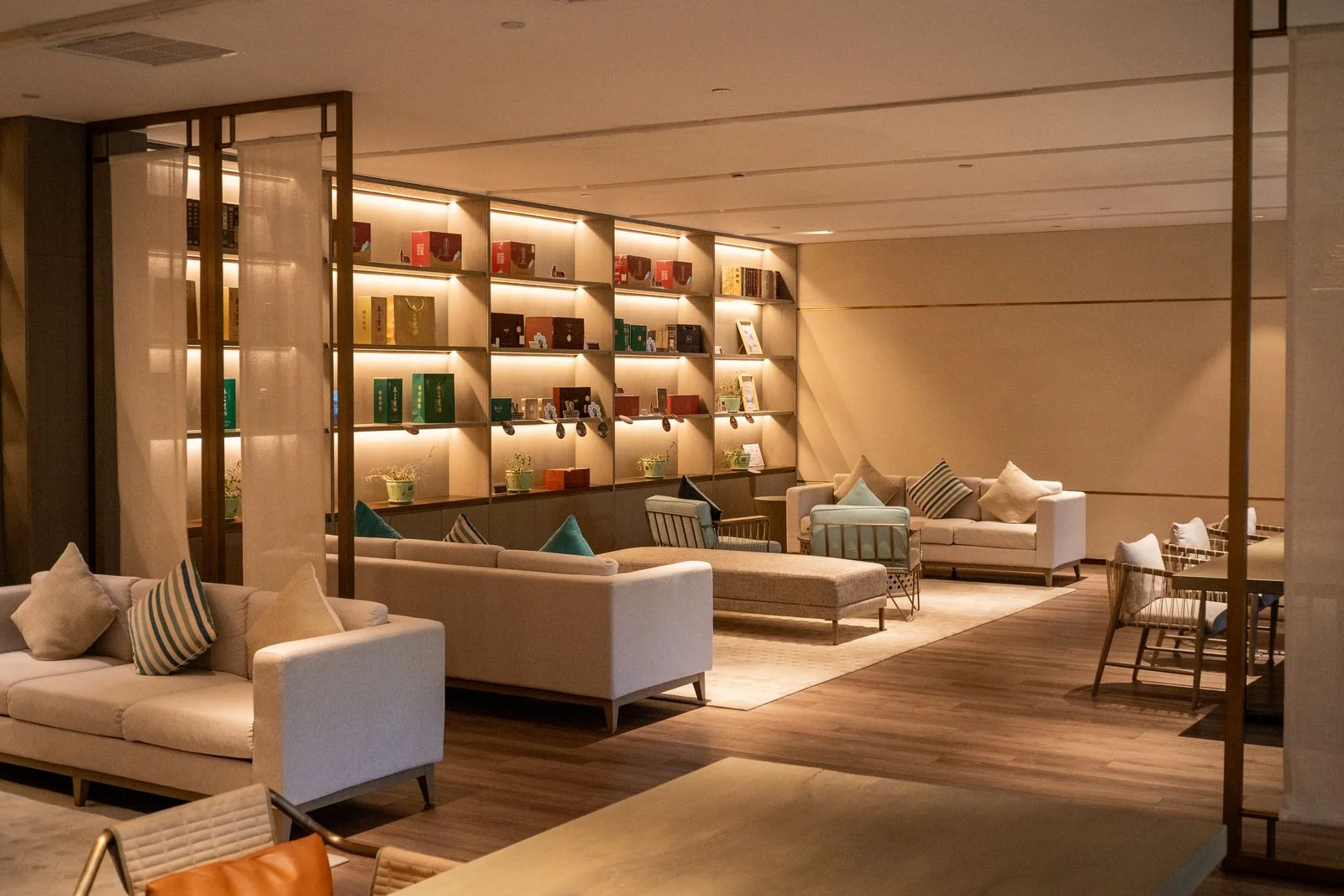
A hotel puts service buttons in a shared lounge.
ObserveCapture a configured assistance press with location.
ActRoute to the staffed service queue and record acknowledgment.
ReviewRequests by hour and staff-recorded resolution times.
The service channel must be actively staffed.
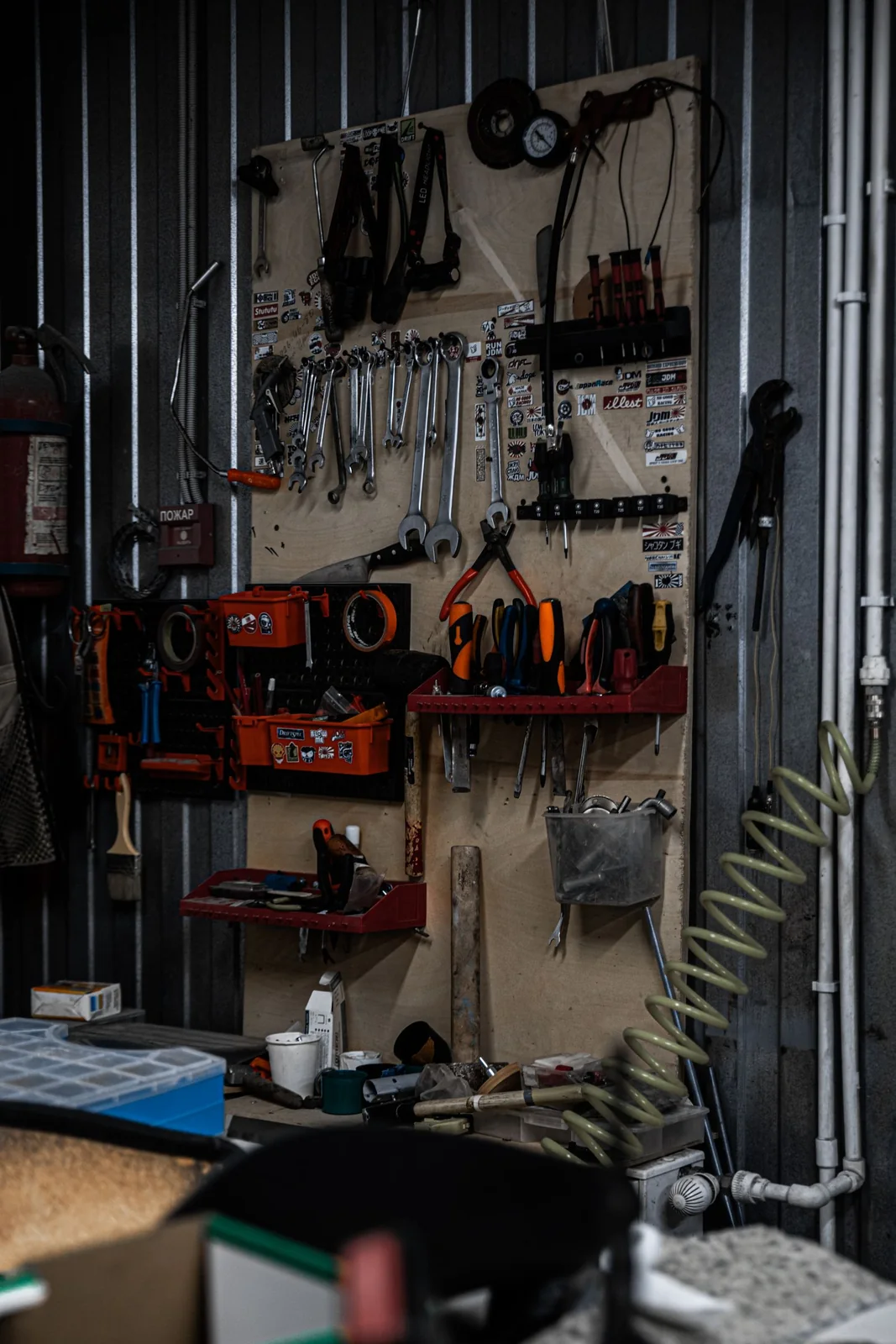
A workshop wants a simple replenishment signal.
ObserveUse mapped button events for supply requests.
ActNotify the internal stock team and record fulfillment.
ReviewDemand by station and unfulfilled requests.
No inventory is automatically ordered unless separately authorized.
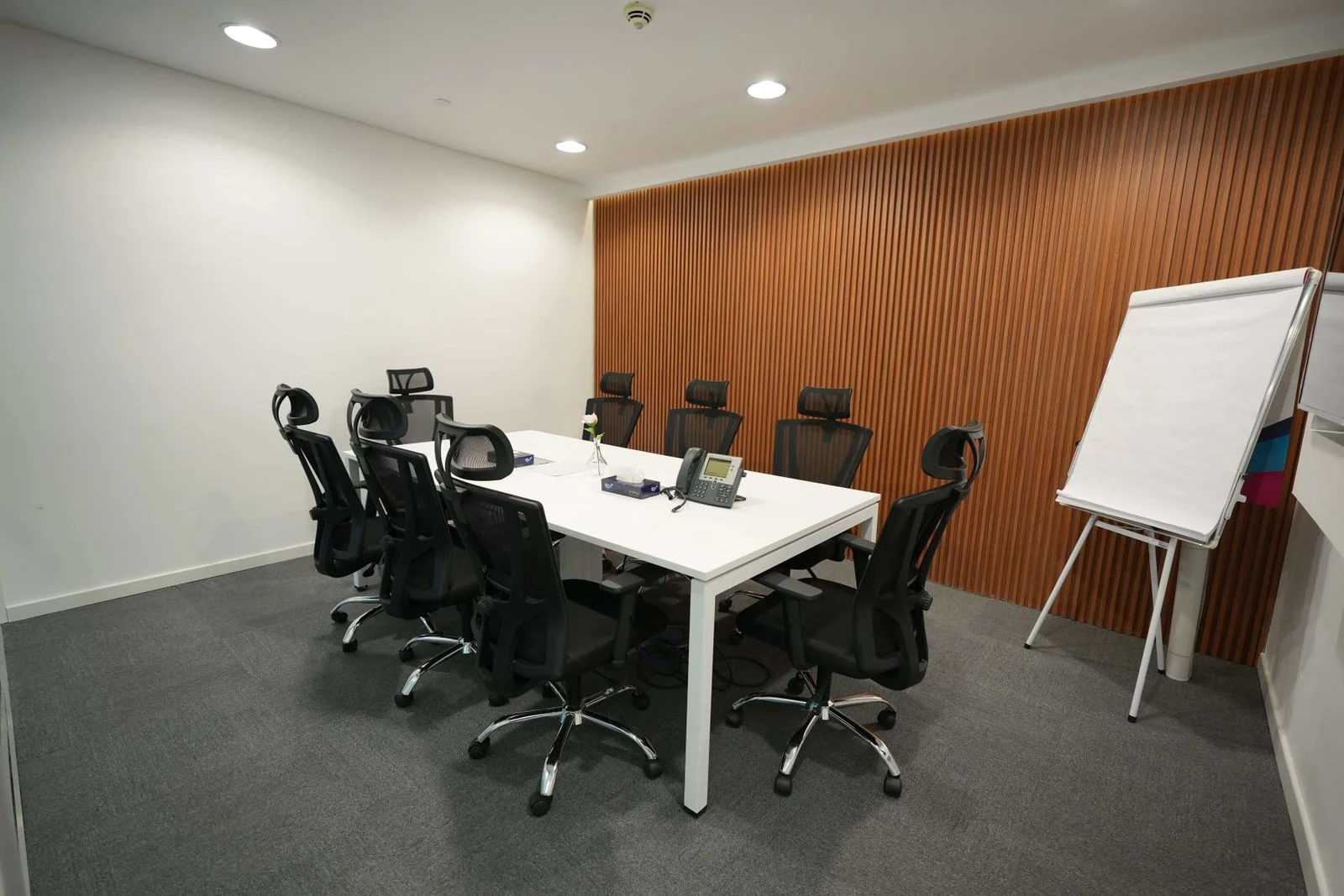
An office wants a one-touch meeting-room reset request.
ObserveCapture a room-specific press or panel scene.
ActRoute a room-reset task or approved local scene.
ReviewRequest history and completion log.
Room availability and reset completion require explicit state tracking.
03 / FROM SIGNAL TO RESPONSE
From observation to action.
Define the signal, the connection and the person responsible for the next step.
View measurements & event details
- Single, double or long-press events as supported
- Configured multi-button scene commands
- Battery and recent-report status where available
A DEFINED SERVICE SCOPE
What Mytek Pros can help deliver.
Mytek Pros can map routine assistance buttons to staffed service queues at San Diego workplaces, hotels or facilities. Discovery covers button actions, recipients, acknowledgment and optional completion records; emergency and nurse-call use require a separately validated system and response arrangement.
Explore service planning for San Diego and California projects. Installation, handover and ongoing support are agreed during discovery for the selected equipment and site.
View planned service deliverables
- Button location and action mapping
- Recipient and acknowledgment workflow
- Optional scene-control integration
- Device-health and workflow testing
THE RECORD YOU KEEP
Your reporting scope.
A configured Mytek Pros service can turn the selected measurements into:
- Request volume by location and type
- Acknowledgment and resolution times when captured
- Unacknowledged requests and device-health exceptions
Configurable project options; confirm scope during discovery.
04 / DISCOVERY & DESIGN
Before installation.
Confirm compatibility, placement and operating responsibilities for your site.
What we’ll work through
- A button event is not proof that help was delivered
- Critical nurse-call or emergency use needs a separately validated system and response arrangement
- Scene control requires compatible devices, approved logic and override behavior
Tell Mytek Pros about your site, existing systems, and the decisions you want the data to support.
Map your service request workflow ↗EXPLORE CONNECTED APPLICATIONS