
MYTEK PROS / CONNECTED OPERATIONS
Connected Room and Status Signage
Keep selected room and operational information easier to update.
Plan your project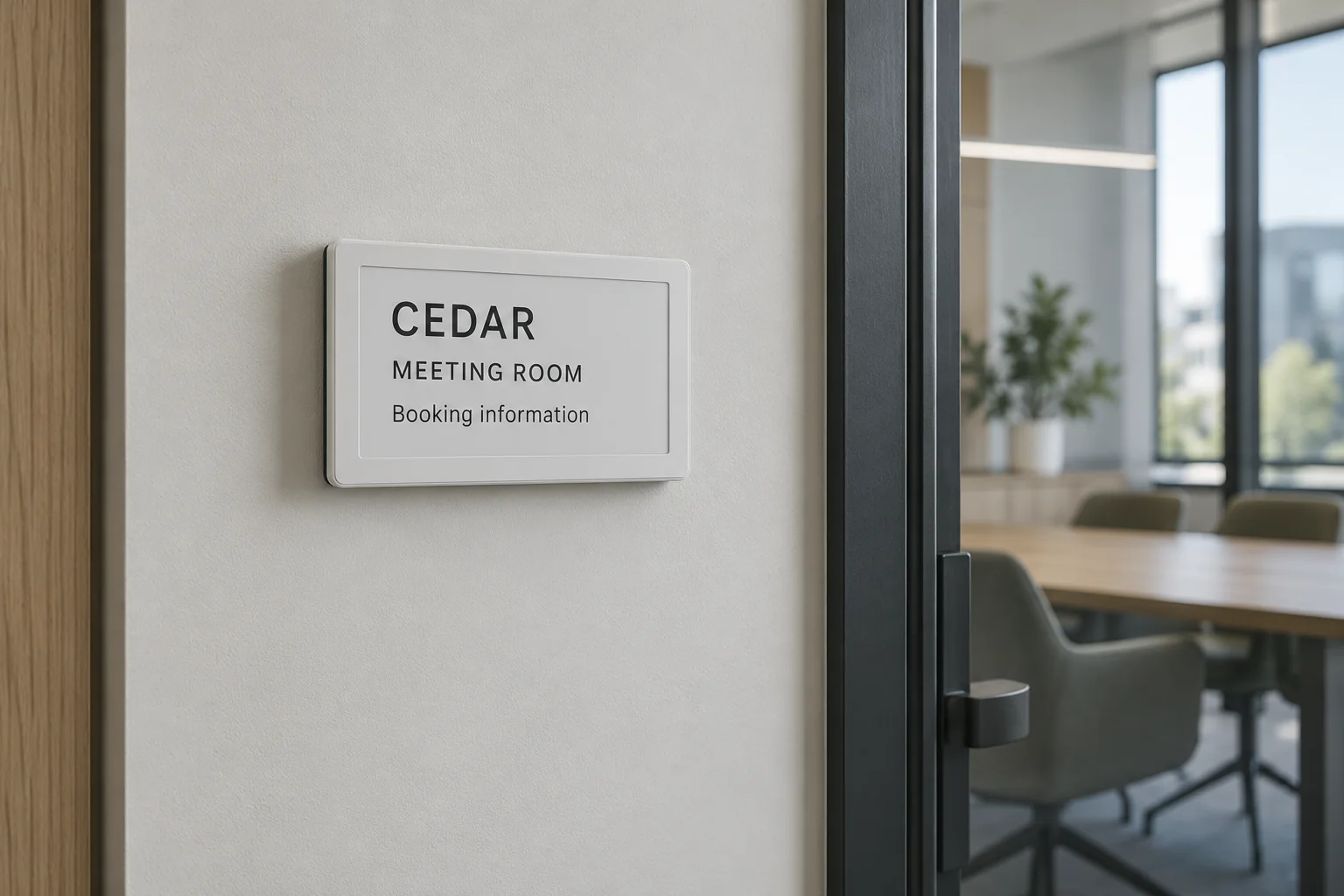
01 / THE OPPORTUNITY
Keep room information easier to update.
Workplaces, hospitality and facilities teams
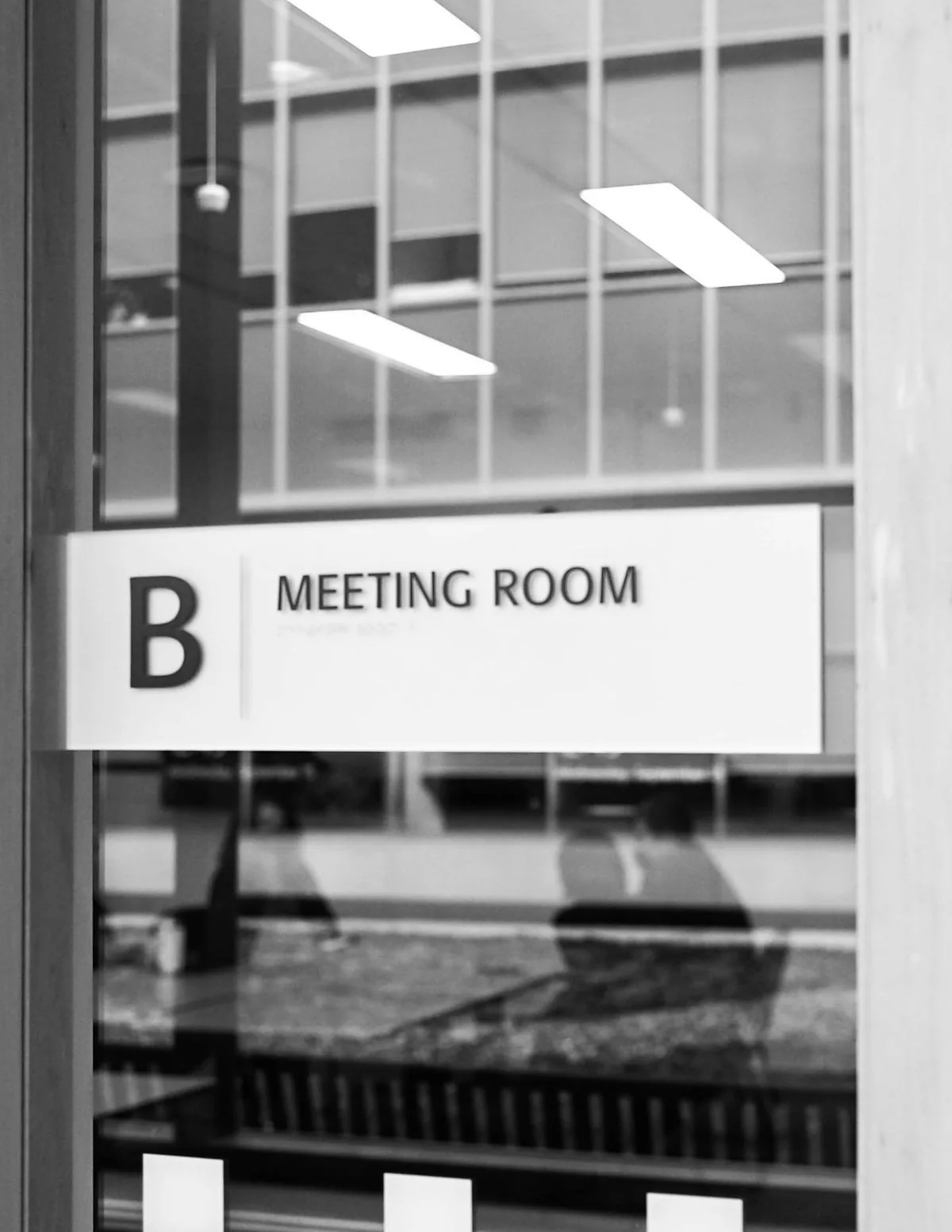
Printed signs become stale when room status or service information changes.
Plan low-power digital signage connected to an approved data source, with clear rules for what appears when data is delayed or unavailable.
- Reduce manual sign replacement
- Make selected status visible locally
- Keep content ownership clear
APPLICATIONS IN PRACTICE
Put approved information at the room.
Illustrative scenarios for facilities teams and operators.
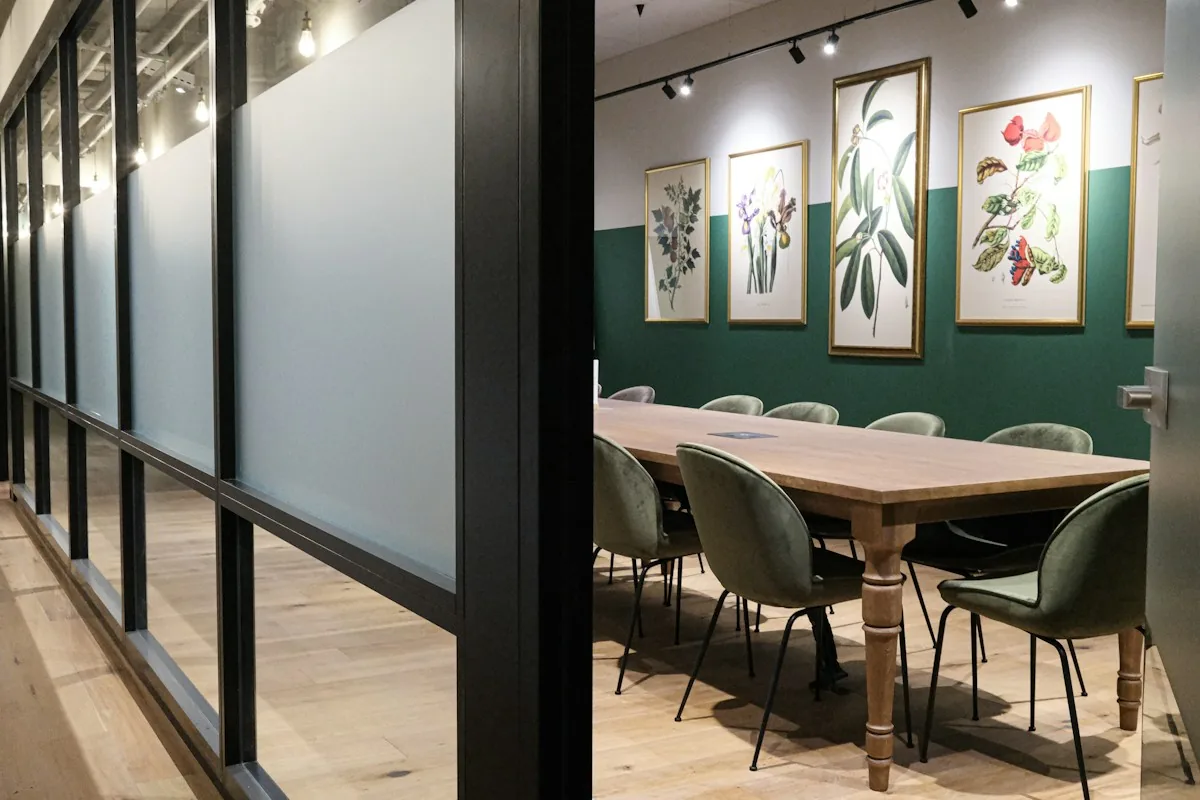
An office wants room-use information outside meeting spaces.
ObserveCombine approved booking data and optional occupancy state.
ActUpdate a display with a clear stale-data indicator.
ReviewUpdate-success and conflicting-status exceptions.
Occupied and booked are different states.
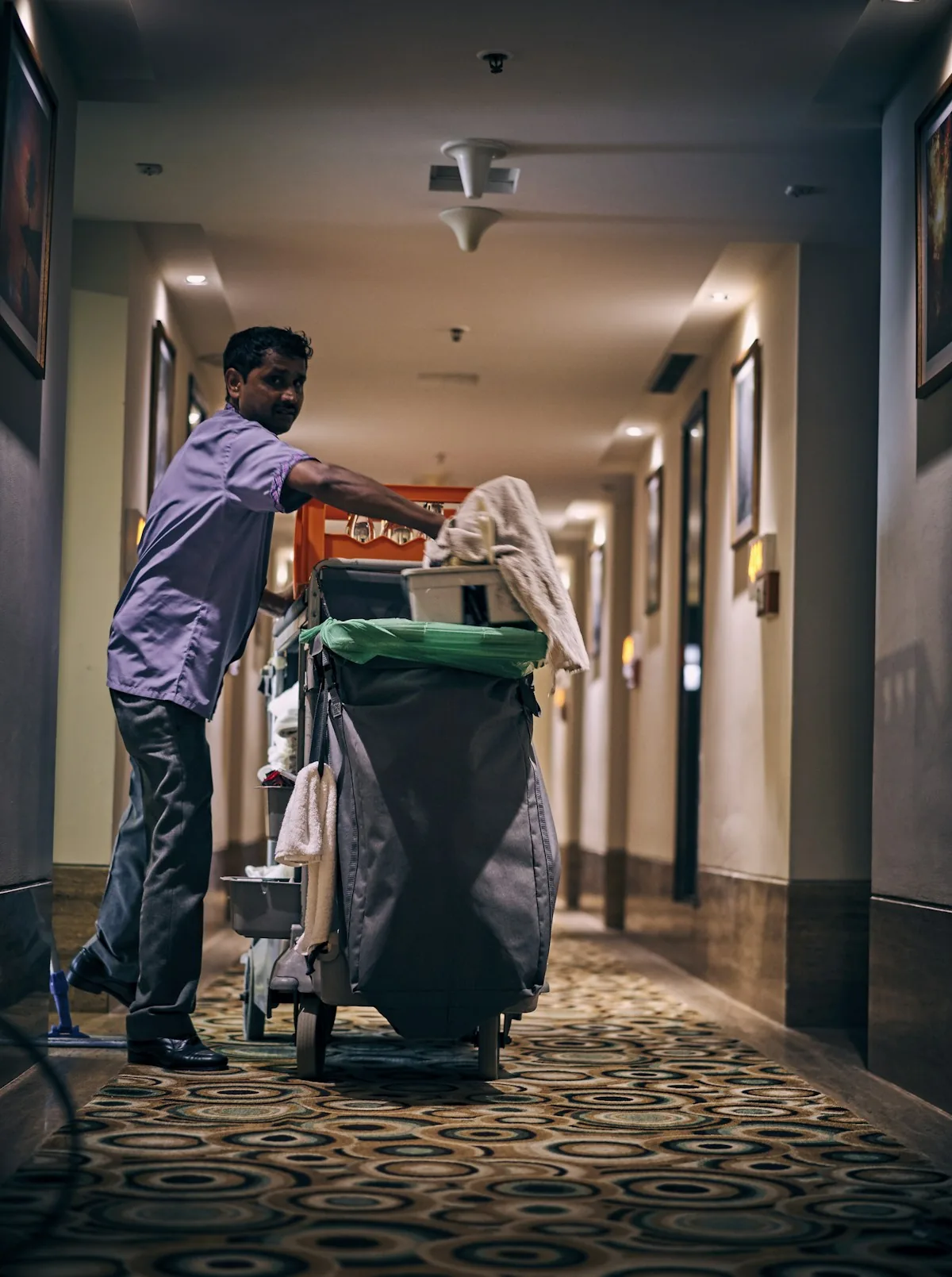
A cleaning team wants a service-status display.
ObserveUse staff-recorded inspection or cleaning completion.
ActShow the most recent verified update.
ReviewTime since recorded completion and update failures.
A display cannot prove a room is clean.
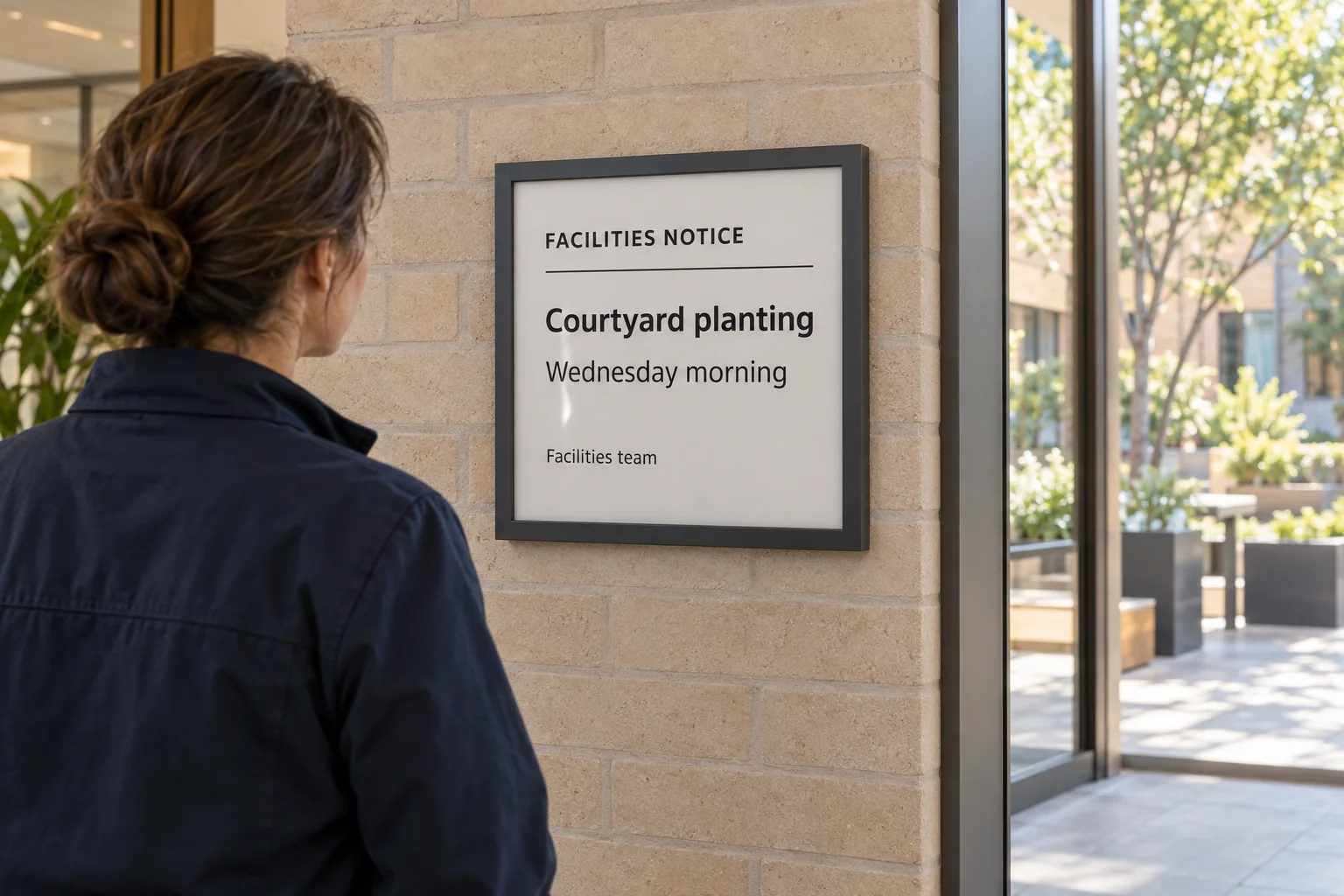
A facility wants remotely updated operational notices.
ObservePublish approved content from a controlled source.
ActTrack update acknowledgments and device health.
ReviewContent-change and display availability log.
Critical notices need a reliable alternative channel.
03 / FROM SIGNAL TO RESPONSE
From observation to action.
Define the signal, the connection and the person responsible for the next step.
View measurements & event details
- Display content and update commands
- Optional occupancy, booking or service-state data from separate sources
A DEFINED SERVICE SCOPE
What Mytek Pros can help deliver.
Mytek Pros can plan room and operational-status displays for a San Diego facility, including placement, approved content sources and update ownership. Booking, occupancy or staff-recorded service data require separate integration, with clear stale-data behavior; the display does not independently verify the status shown.
Explore service planning for San Diego and California projects. Installation, handover and ongoing support are agreed during discovery for the selected equipment and site.
View planned service deliverables
- Display placement and content design
- Approved data-source integration
- Update frequency and stale-state rules
- Optional occupancy or service-status linkage
THE RECORD YOU KEEP
Your reporting scope.
A configured Mytek Pros service can turn the selected measurements into:
- Content-update and delivery-status log where available
- Source-data freshness exceptions
- Display device-health summary
Configurable project options; confirm scope during discovery.
04 / DISCOVERY & DESIGN
Before installation.
Confirm compatibility, placement and operating responsibilities for your site.
What we’ll work through
- The display does not independently measure the status it shows
- Booking, sensor and workflow integrations are separate work
- E-ink refresh and network timing are not appropriate for every urgent message
- Do not use this as the only emergency or exit signage
Tell Mytek Pros about your site, existing systems, and the decisions you want the data to support.
Plan your room-status displays ↗EXPLORE CONNECTED APPLICATIONS