
MYTEK PROS / CONNECTED OPERATIONS
Desk and Seat Availability
Make seat availability easier to understand.
Plan your project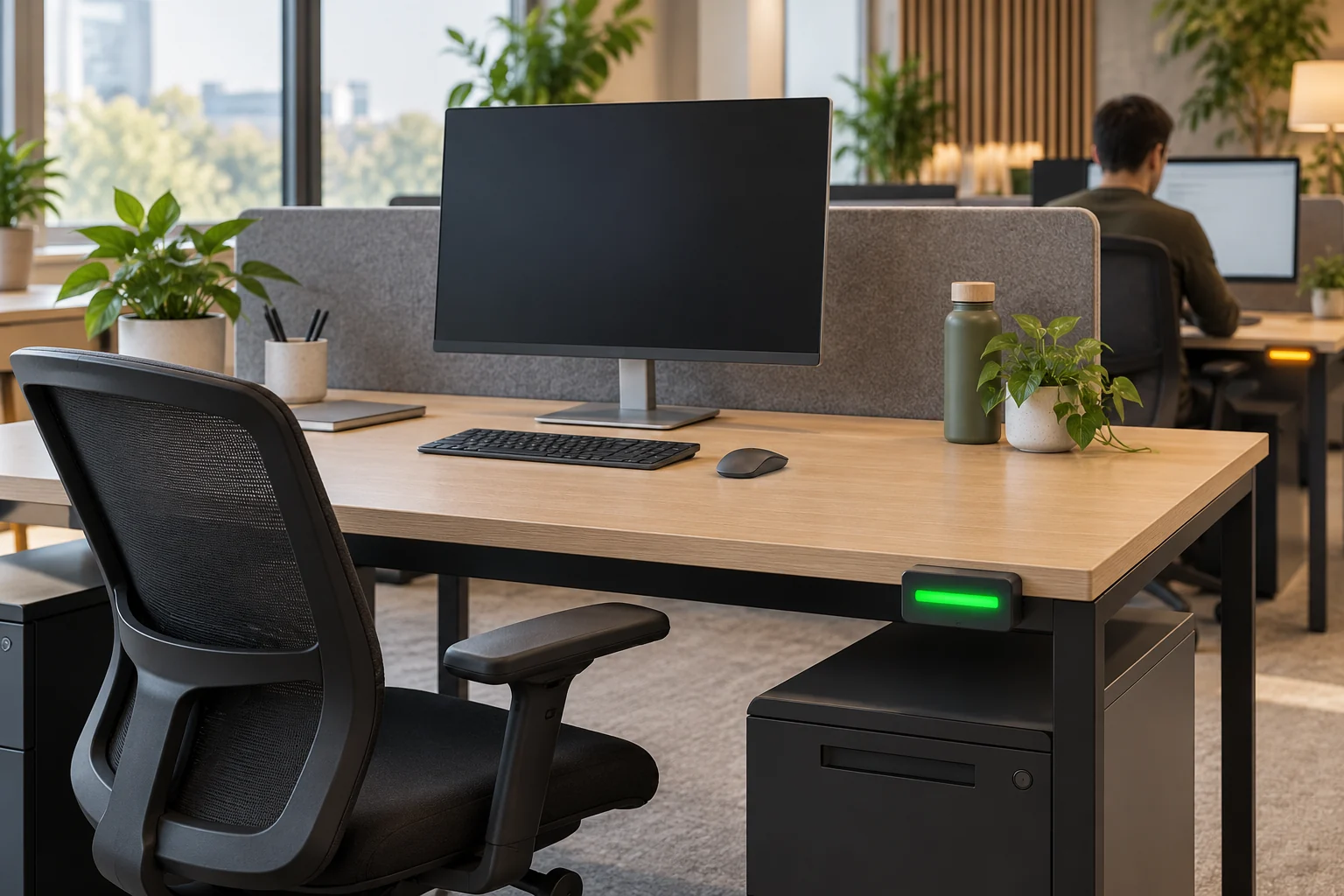
01 / THE OPPORTUNITY
Help people find a place to work.
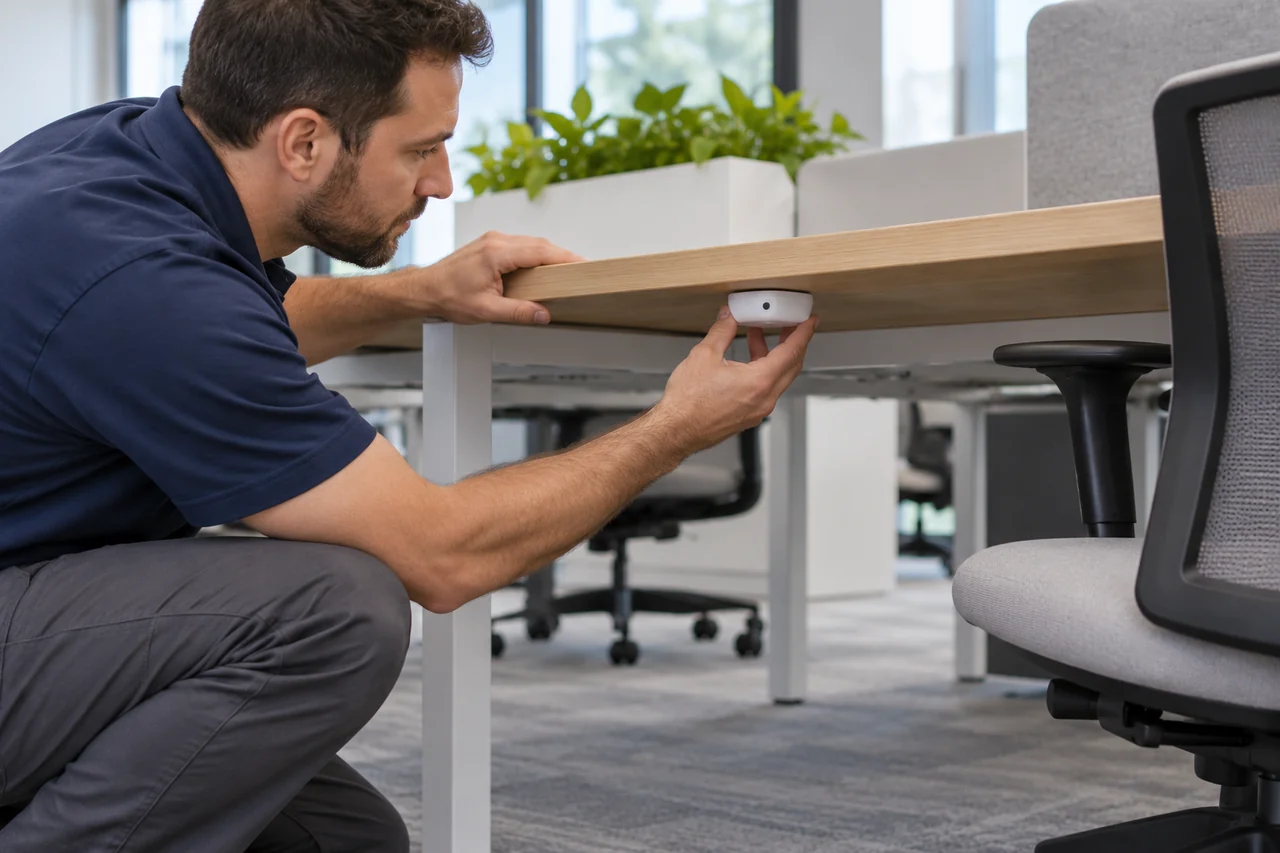
Hybrid workplaces, libraries and shared-space operators
People waste time searching for usable desks while managers struggle to understand real seat demand.
Plan unobtrusive occupancy sensing with an optional display or workplace-system connection, and measure usage across the spaces that matter.
- Reduce unnecessary seat searches
- Understand neighborhood demand
- Plan cleaning around observed use
APPLICATIONS IN PRACTICE
Seats across different settings.
Illustrative scenarios for facilities teams and operators.
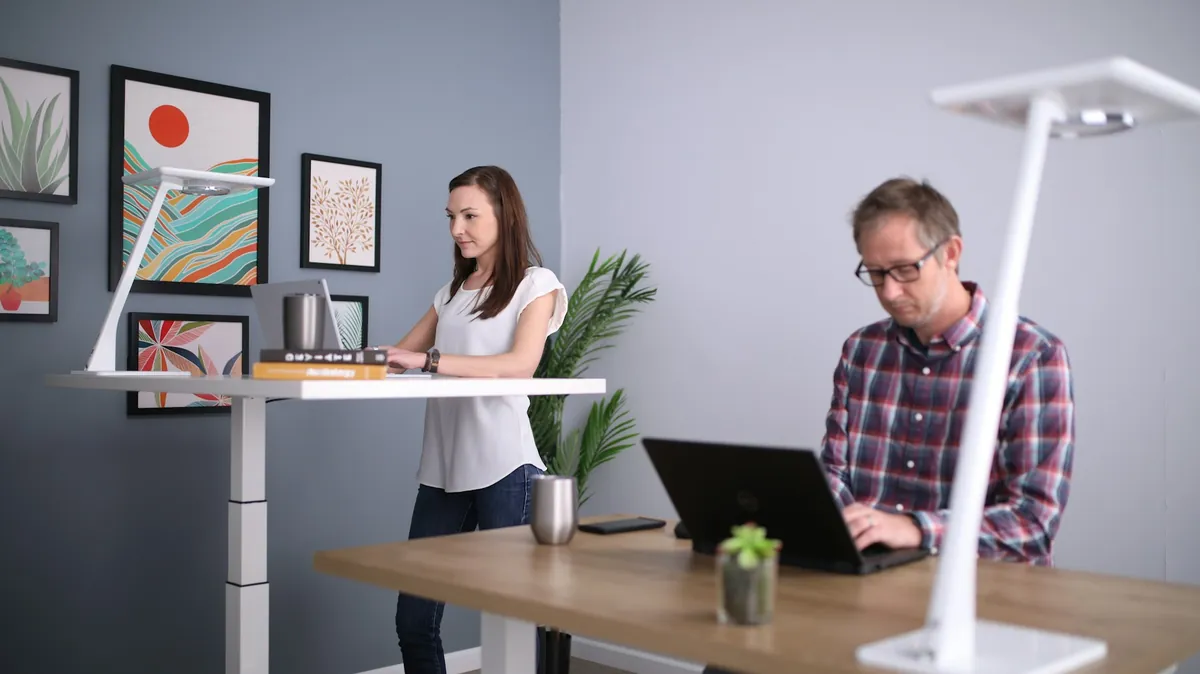
A hybrid office wants visible desk availability.
ObserveCollect seat status by neighborhood.
ActShow recently verified availability in an optional display or app.
ReviewDaily peak use and availability-data freshness.
Never present stale data as a guaranteed free desk.

A university library needs better study-seat planning.
ObserveMeasure aggregate occupied periods across seat groups.
ActAdjust quiet-zone capacity or opening patterns.
ReviewSeat-group use by hour and academic week.
Do not track named students.
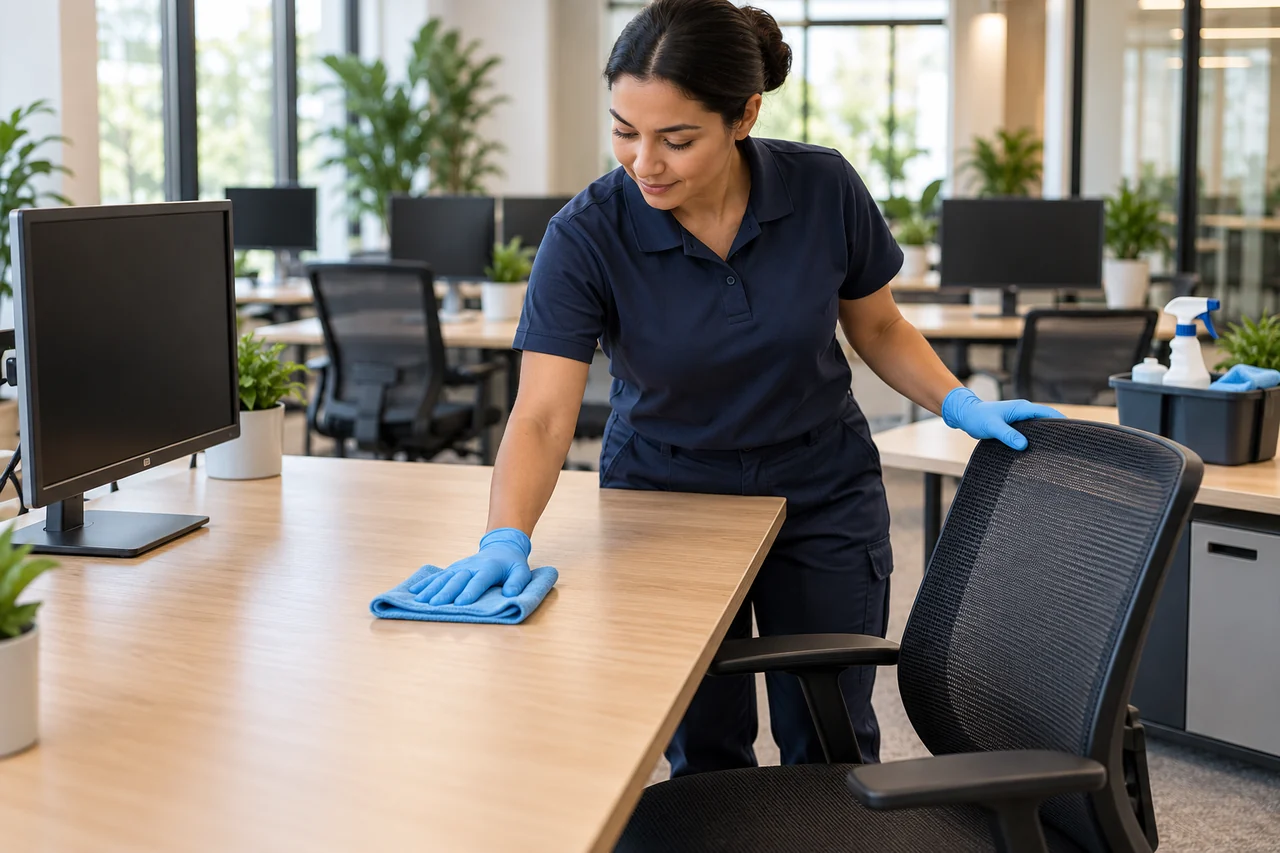
A coworking site wants targeted cleaning.
ObserveUse completed occupancy periods to flag seats for review.
ActCreate a cleaning task only when the agreed workflow is implemented.
ReviewUse-to-cleaning interval when completion is recorded.
Occupancy alone does not confirm a seat is dirty or cleaned.
03 / FROM SIGNAL TO RESPONSE
From observation to action.
Define the signal, the connection and the person responsible for the next step.
View measurements & event details
- Seat or desk occupied/unoccupied state
- Device battery and recent-update status where available
A DEFINED SERVICE SCOPE
What Mytek Pros can help deliver.
For San Diego offices and shared study spaces, Mytek Pros can assess seat-sensor placement, occupancy timeouts and an optional availability display or application feed. Aggregate reporting can show use and uncertain intervals; occupancy does not identify a person or create a reservation.
Explore service planning for San Diego and California projects. Installation, handover and ongoing support are agreed during discovery for the selected equipment and site.
View planned service deliverables
- Seat-level sensor fit and placement
- Occupancy timeout calibration
- Optional availability display or application feed
- Aggregate use reporting
THE RECORD YOU KEEP
Your reporting scope.
A configured Mytek Pros service can turn the selected measurements into:
- Occupied duration by desk or zone
- Peak simultaneous use
- Long-unupdated sensors and uncertain availability
Configurable project options; confirm scope during discovery.
04 / DISCOVERY & DESIGN
Before installation.
Confirm compatibility, placement and operating responsibilities for your site.
What we’ll work through
- Sensors indicate use, not a reservation or person identity
- Bags, posture, stillness and placement can influence results
- A booking workflow needs an additional system and conflict rules
- Battery-powered image-based options may report at intervals and require adequate light; validate freshness and privacy requirements before selection.
Tell Mytek Pros about your site, existing systems, and the decisions you want the data to support.
Assess your desk and seat sensing needs ↗EXPLORE CONNECTED APPLICATIONS