
MYTEK PROS / CONNECTED OPERATIONS
Workplace and Room Utilization
Base space decisions on observed use.
Plan your project
01 / THE OPPORTUNITY
Plan space around observed use.
Workplace, real-estate and facilities teams
Bookings and headcounts do not show how rooms and shared areas are actually used.
Combine room presence, regional occupancy, and optional booking data to understand busy spaces, underused areas, and comfort patterns.
- Identify underused rooms
- Align cleaning and comfort with use
- Inform workplace planning
APPLICATIONS IN PRACTICE
Rooms, desks and shared spaces.
Illustrative scenarios for facilities teams and operators.
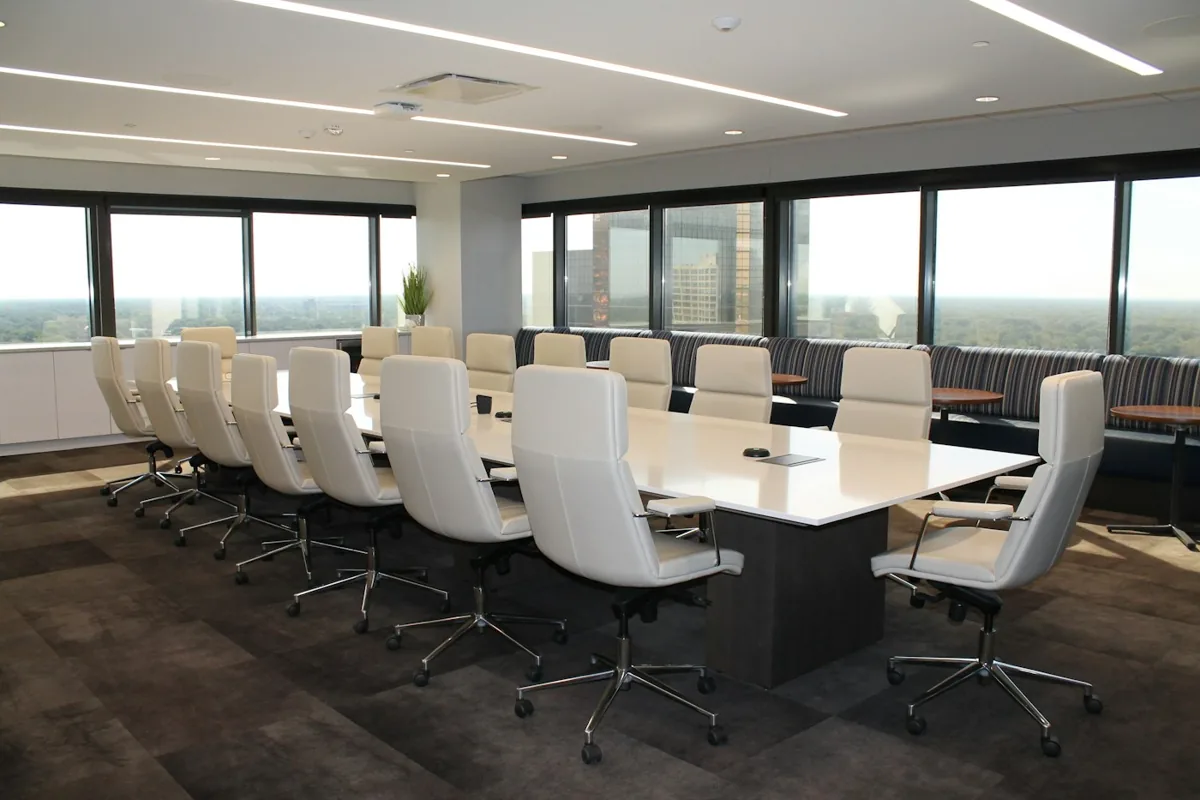
An office is reconsidering meeting-room sizes.
ObserveMeasure aggregate regional count and occupied periods.
ActReview room capacity and layout choices with the workplace team.
ReviewRoom use by occupancy band and meeting-hour demand.
Do not infer individual attendance or work performance.
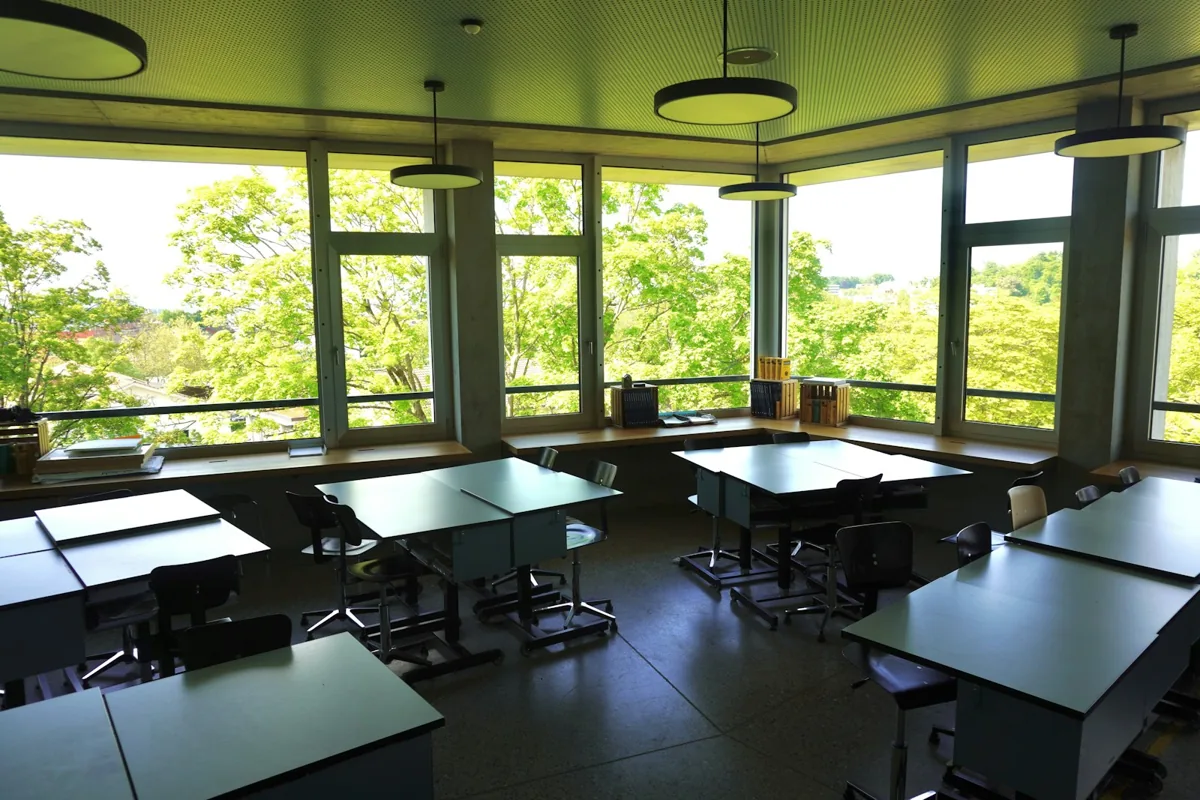
A campus wants lights to follow actual room use.
ObserveDetect presence with a sensor suited to seated occupants.
ActFeed an approved rule to compatible local lighting controls.
ReviewOccupied versus lighting-on time where control state is available.
Automation requires override, timeout and fail-safe commissioning.
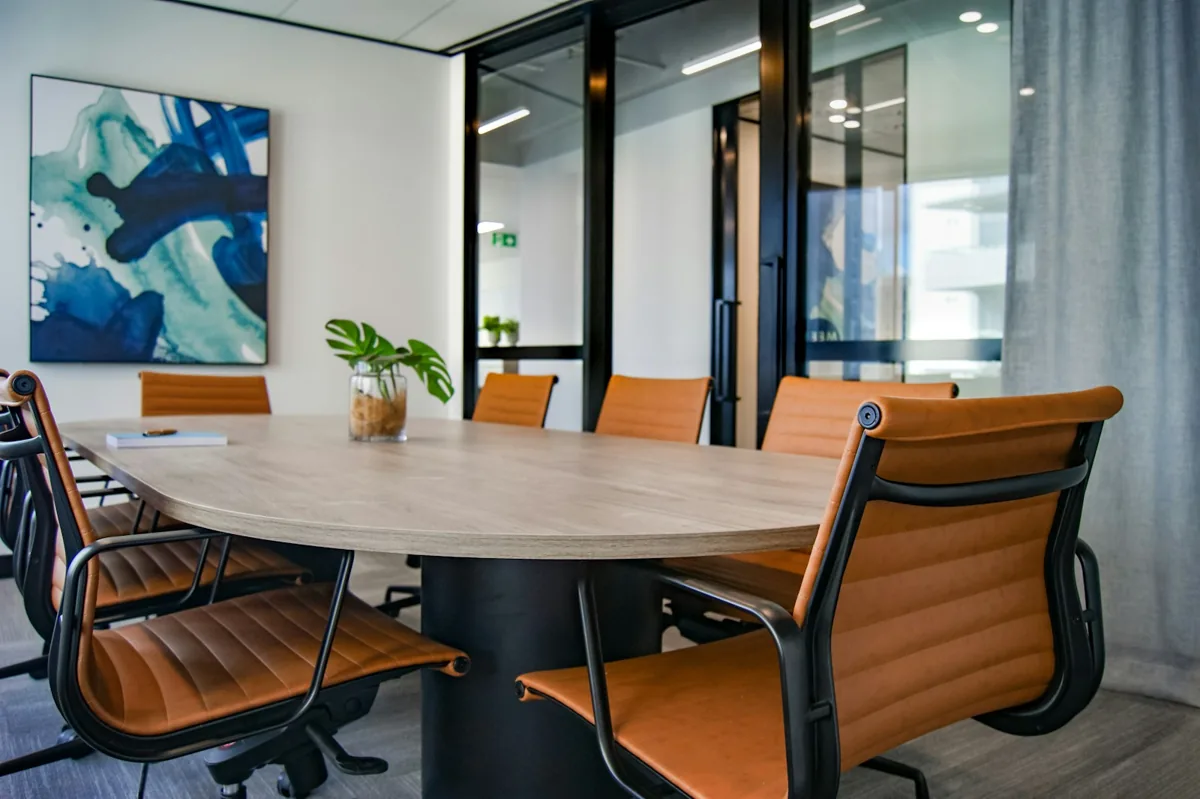
A coworking operator has many booked but empty rooms.
ObserveCompare room presence to authorized booking records.
ActReview booking policy or propose release rules.
ReviewBooking-to-presence comparison and uncertain intervals.
Do not automatically cancel bookings without an approved policy.
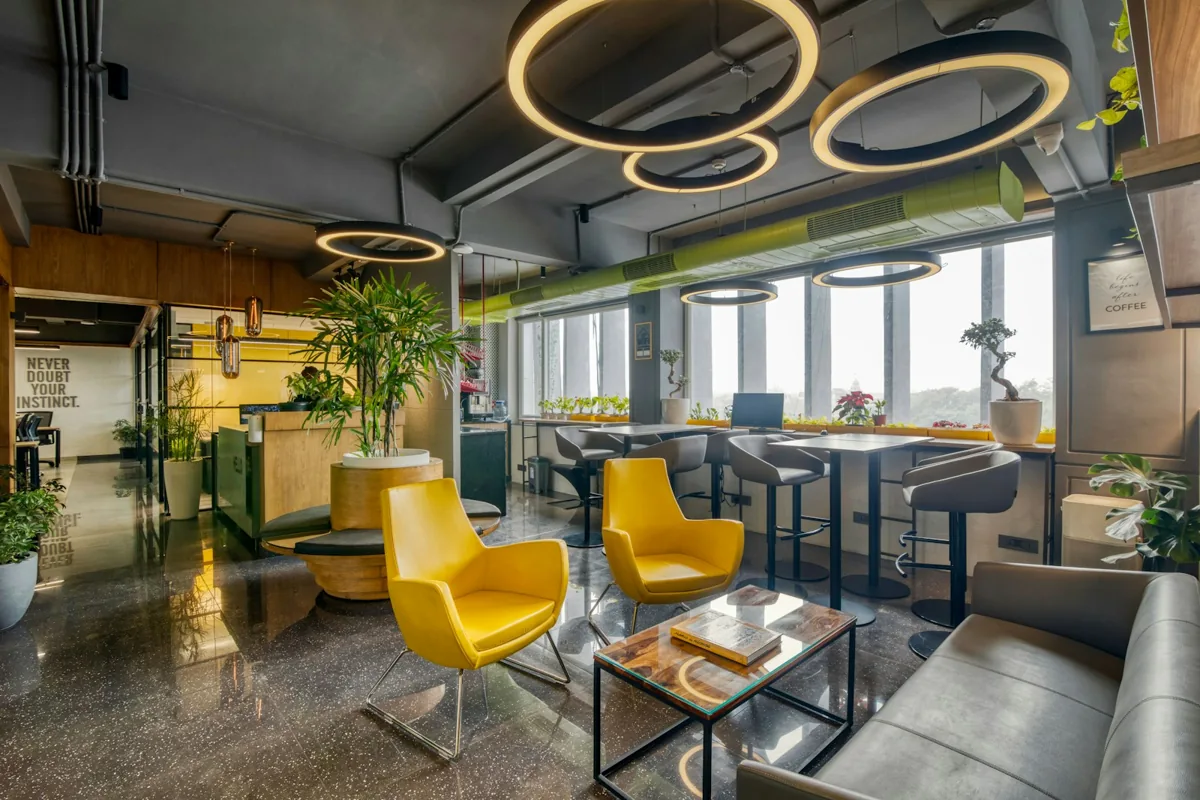
An office wants to know whether a redesigned shared collaboration area changes circulation.
ObserveAggregate activity heat maps in the approved common area.
ActFacilities compares equivalent weeks and adjusts furniture placement.
ReviewBefore-and-after zone activity with camera coverage and layout-change notes.
No employee ranking, individual attendance inference, sensitive-area monitoring or claim that activity equals occupancy hours.
03 / FROM SIGNAL TO RESPONSE
From observation to action.
Define the signal, the connection and the person responsible for the next step.
View measurements & event details
- Occupied/unoccupied state
- Regional headcount on supported sensors
- Optional motion, temperature, humidity and light
Proposed service workflow
From room activity to better space decisions
- Observe
Room, desk or entry observations as scoped
- Connect locally
Local sensor gateway or approved camera network
- Collect securely
Proposed aggregate collection by space/time window
- Review and act
Workplace team reviews patterns and exceptions
- Keep a record
Utilization summary for planning
A DEFINED SERVICE SCOPE
What Mytek Pros can help deliver.
Mytek Pros helps San Diego workplace teams define what they need to know about room and shared-area use before choosing presence or counting sensors. Planning maps zones, establishes utilization periods and data-quality rules, and adds approved booking or BMS integration when required. Discovery confirms locations and delivery scope. Reports describe aggregate space use and uncertain intervals, not employee productivity or individual attendance.
Explore service planning for San Diego and California projects. Installation, handover and ongoing support are agreed during discovery for the selected equipment and site.
View planned service deliverables
- Presence versus counting requirements review
- Room and zone mapping
- Optional booking and BMS integration
- Utilization definitions and data-quality checks
THE RECORD YOU KEEP
Your reporting scope.
A configured Mytek Pros service can turn the selected measurements into:
- Occupied minutes as a share of monitored open hours
- Peak and average room use with missing-data flags
- Booking-versus-observed-use comparison when calendars are connected
Configurable project options; confirm scope during discovery.
AN OPTIONAL APPROACH
Compare shared-area activity patterns
For approved shared spaces where camera use is appropriate, activity heat maps can show which areas are used more often and when movement concentrates. The service can pair these patterns with aggregate counts to inform layout, cleaning and circulation changes. A heat map describes activity within the observed view; it does not establish employee productivity, exact seat use or a person's intent. Private and sensitive areas should be excluded, and lower-data sensing can be selected when video is unnecessary.
Reporting options
- Relative activity by configured zone
- Period-over-period activity pattern
- Observed counting coverage
- Changes after a layout adjustment
Integration requirements
- Suitable overhead or wide-area views
- Supported heat-map export
- Comparable reporting windows and annotated layout changes
04 / DISCOVERY & DESIGN
Before installation.
Confirm compatibility, placement and operating responsibilities for your site.
What we’ll work through
- Motion is not the same as reliable seated presence or people count
- Use radar, thermopile or suitable vision when still occupants matter
- Utilization is an aggregate space measure, not employee productivity
- Calendar and BMS integrations require separate implementation
- Battery-powered image-based options may report at intervals and require adequate light; validate freshness and privacy requirements before selection.
Tell Mytek Pros about your site, existing systems, and the decisions you want the data to support.
Plan workplace utilization monitoring with Mytek Pros ↗EXPLORE CONNECTED APPLICATIONS